
SCHOOL SERVICES · RAISE GENIUS
School Robotics Curriculum & Classroom Setup
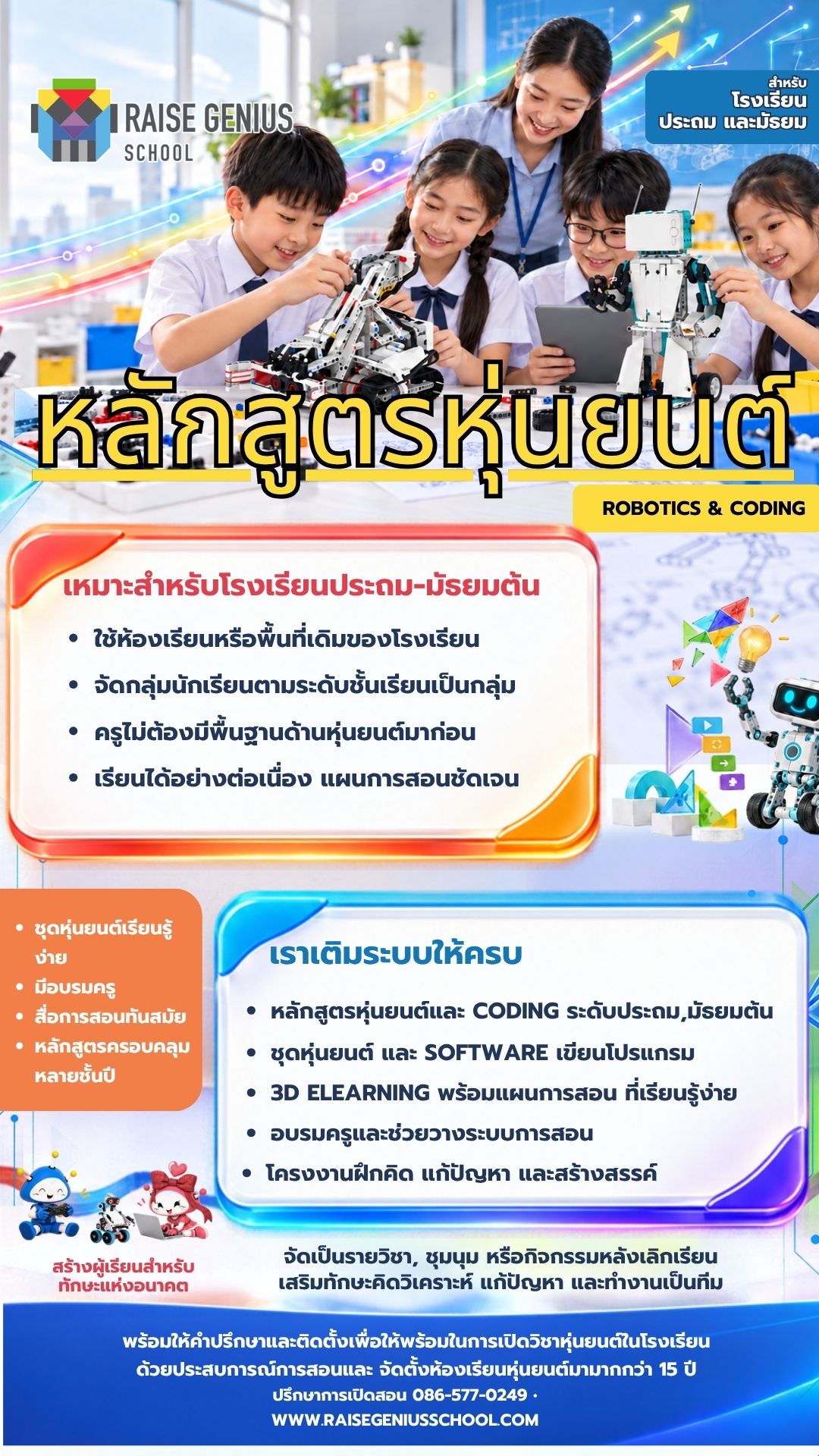
A school robotics curriculum gives pupils a place to build, program, test and explain their ideas. Raise Genius helps primary and secondary schools plan the curriculum, robot kits, teacher training and 3D eLearning together, using the space and budget available.
Discuss your school’s plansOn this page
Four building blocks for a school robotics curriculum
Age-appropriate lessons: projects and activities provide a continuing pathway through primary and lower-secondary years. Pupils practise thinking, analysis, problem solving and teamwork through practical challenges.
Robot kits and software: equipment is selected around year groups, class size and the available budget. The team can advise on classroom layout, mission fields and the hardware and software needed for the agreed activities.
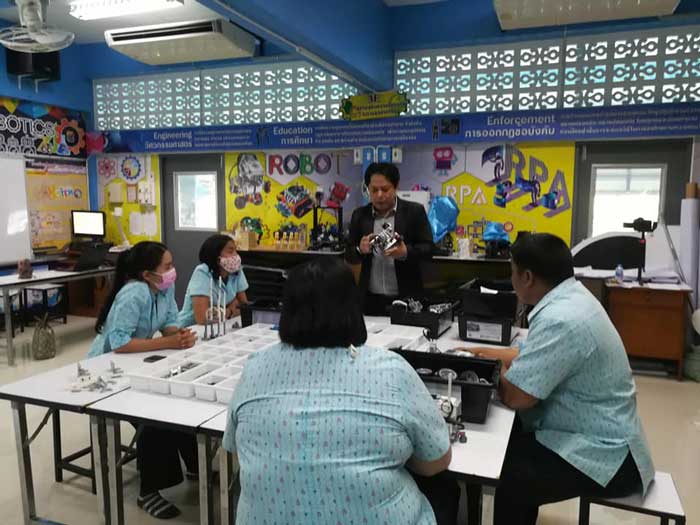
Teacher preparation: training connects building and programming with everyday classroom management. Teachers can discuss how to introduce a task, guide pupils through difficulties and prepare for the next lesson.
3D eLearning: the published learning resources combine illustrations, photographs, video and activities. Teachers can use them to prepare lessons and support pupils, while new staff can use the materials to continue learning the system.
Project-based learning in an existing classroom
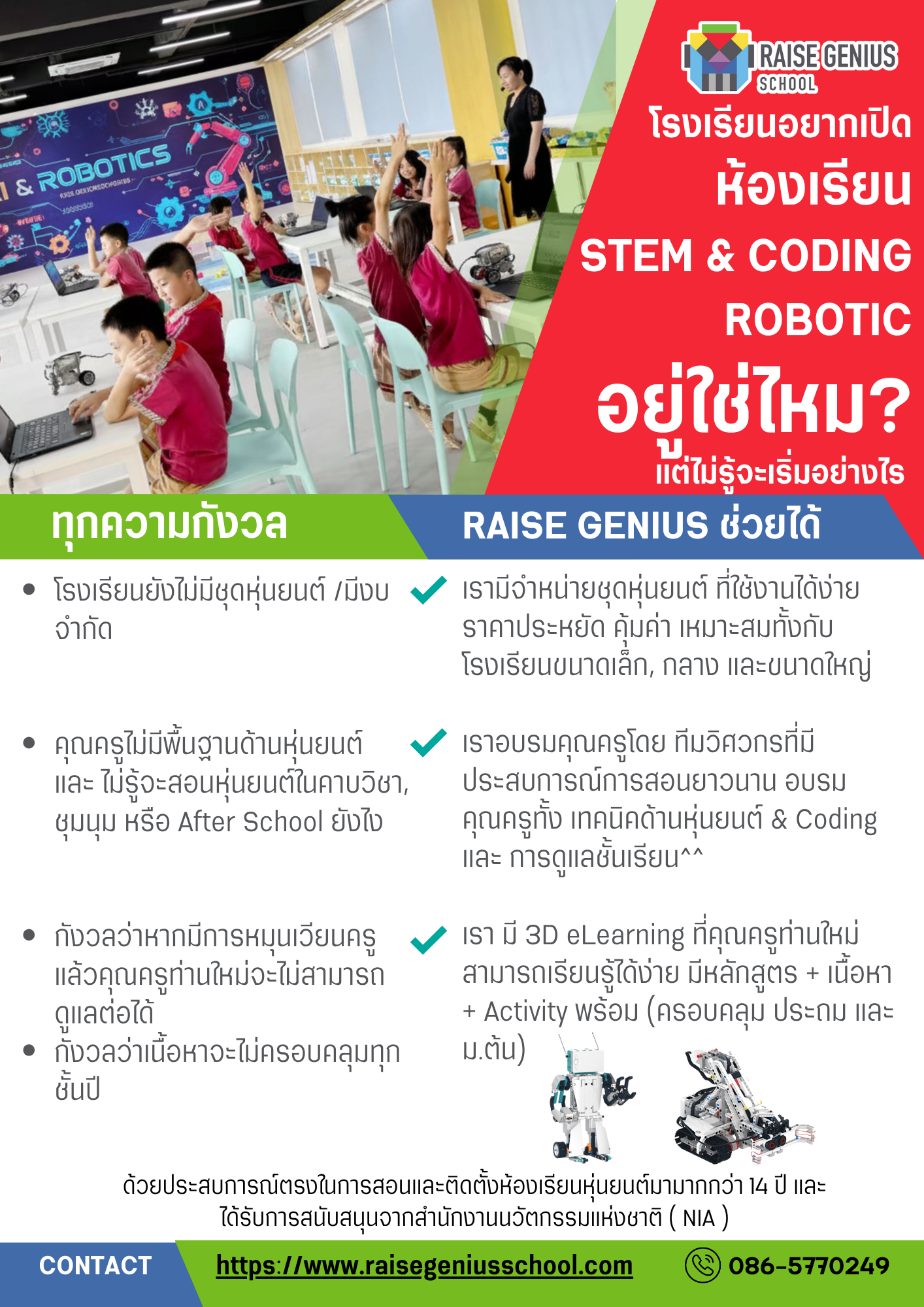
A robotics classroom can support a timetabled subject, a school club or after-school activities. Schools can discuss using an existing classroom or suitable activity area rather than assuming that a separate new building is required.
Pupils investigate a challenge, construct a mechanism, write a program, observe what happens and improve the result. This brings science, engineering, mathematics and computing together through a visible project. The aim is to develop curiosity and positive attitudes towards technology alongside practical skills.
The original school robotics curriculum describes learning from simple builds towards more complex projects. Interactive 3D materials can help pupils inspect construction steps, while multimedia resources give teachers different ways to explain an idea. Cloud access and the school network should be checked during planning; performance depends on the actual connection and setup.
Previous installations and teacher workshops
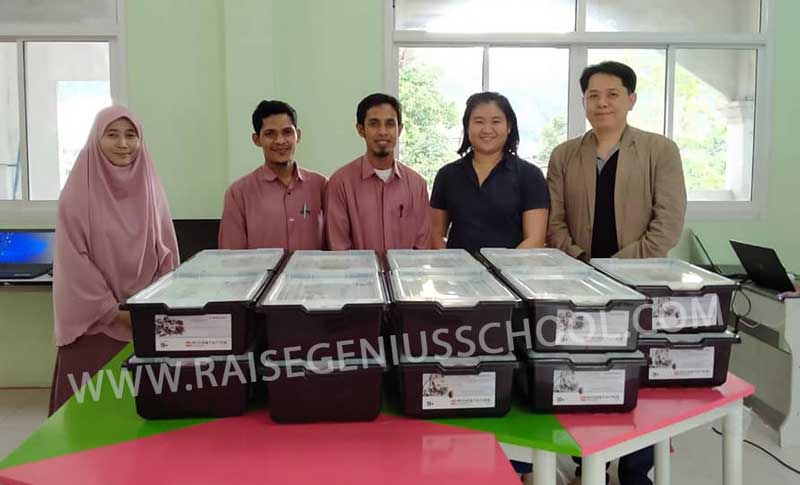
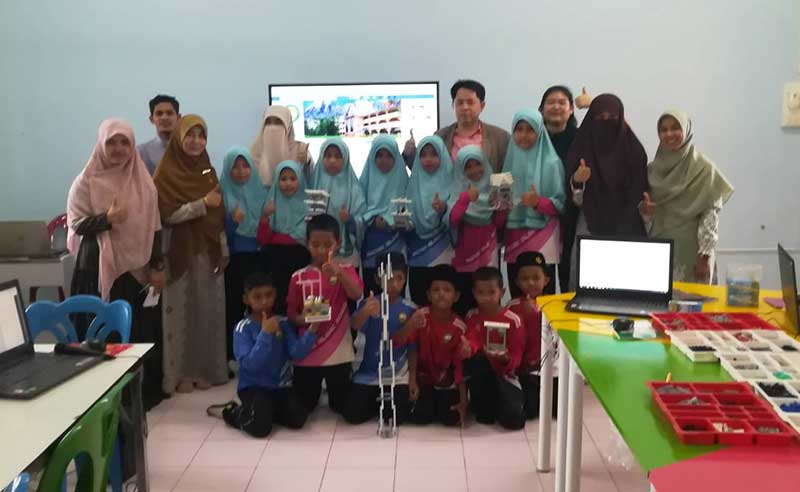
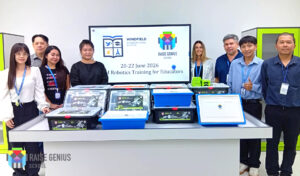
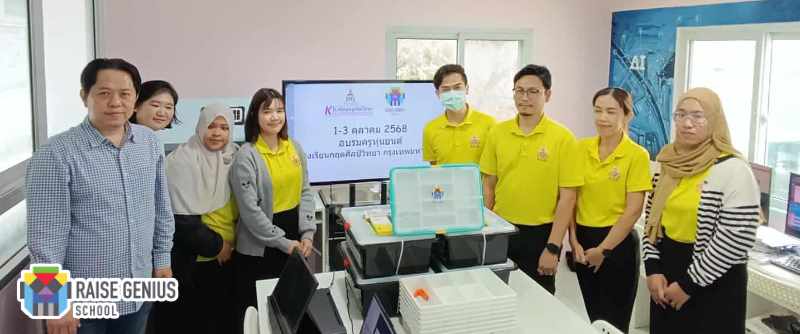
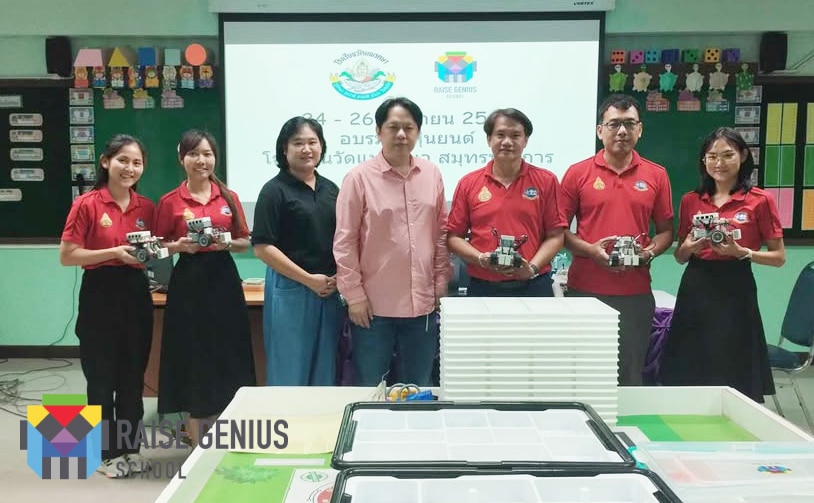
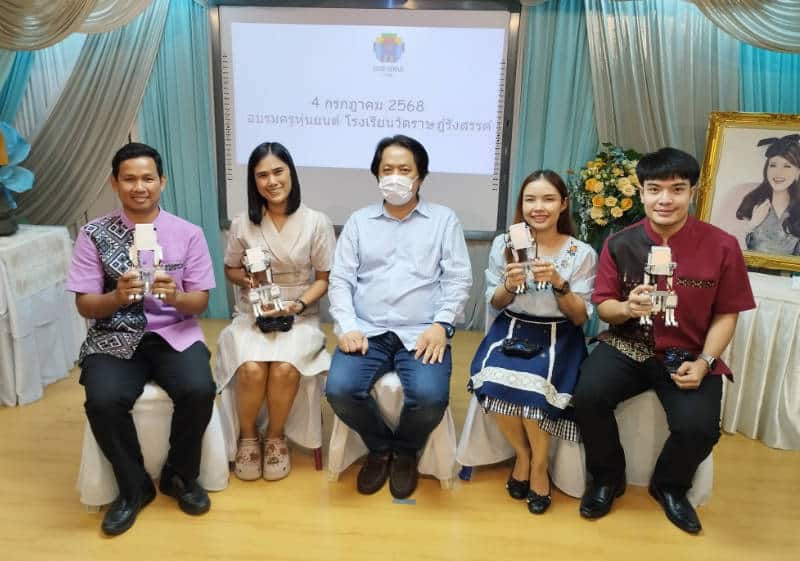
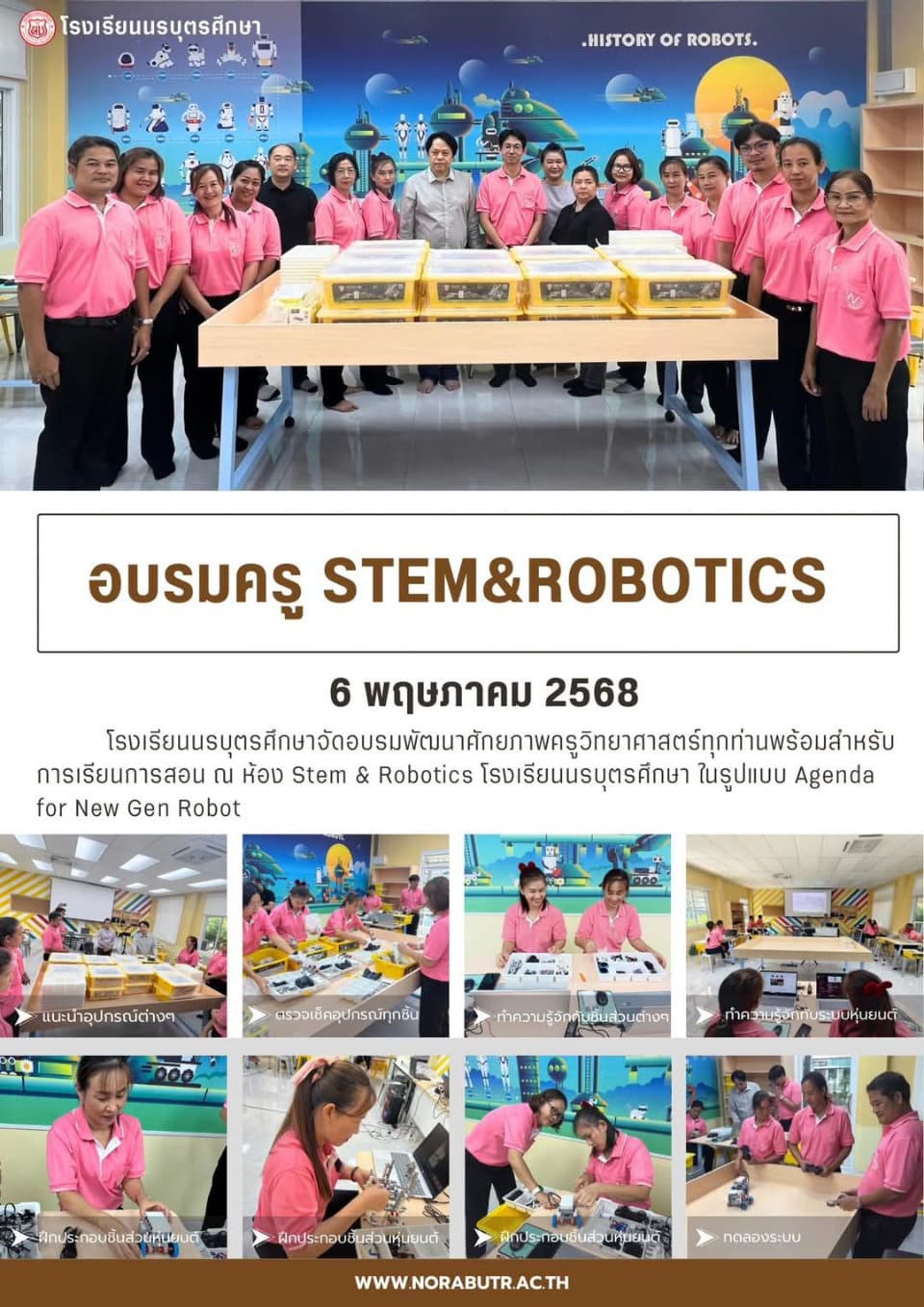
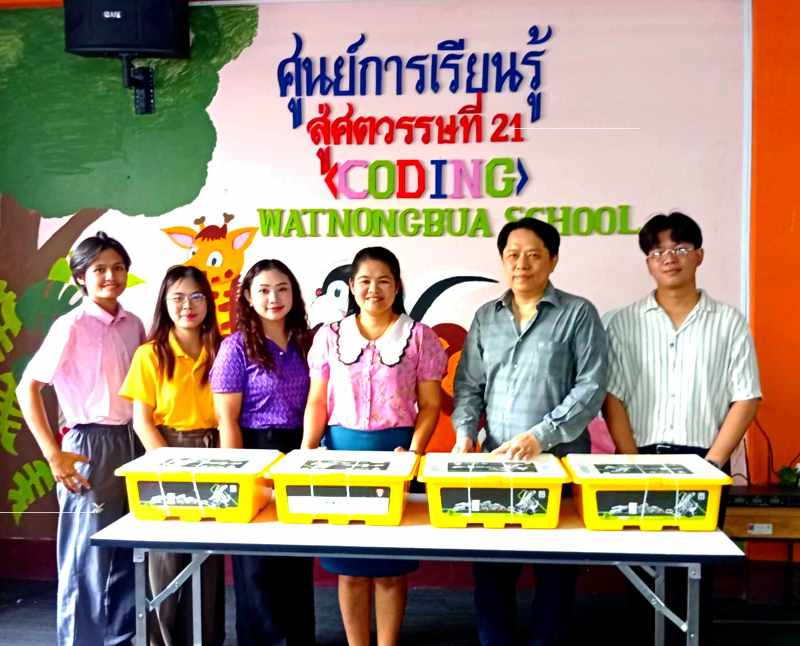
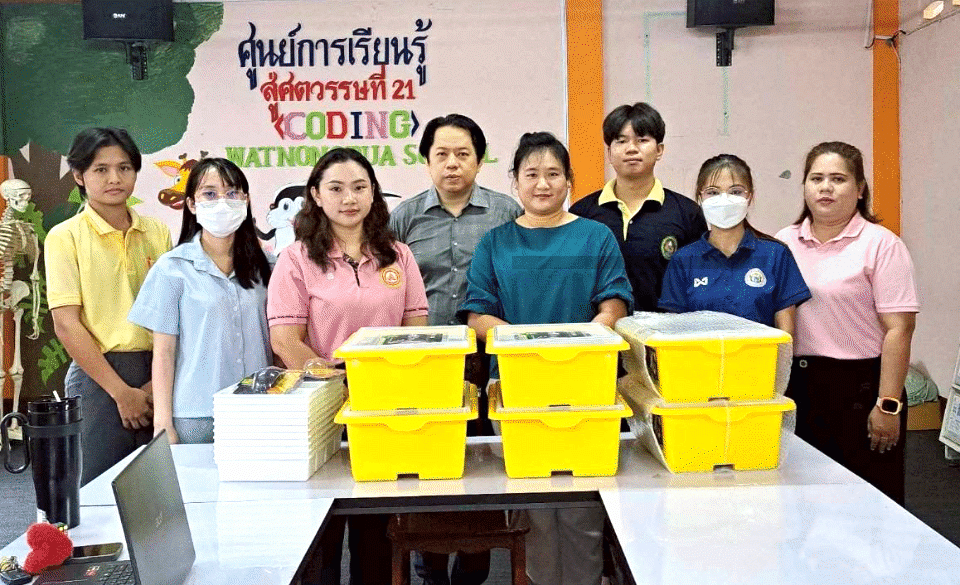
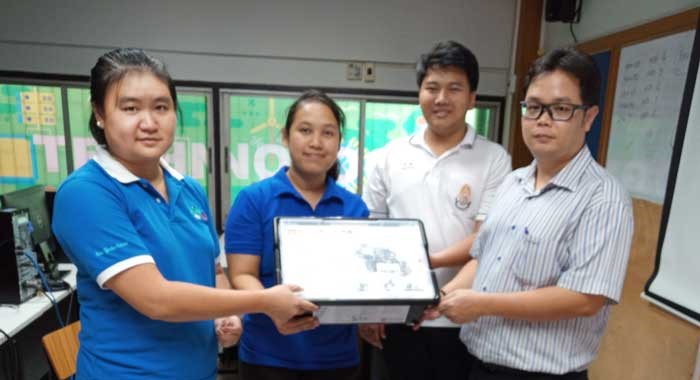
The source records classroom or curriculum work with Islam Bachao in Yala; Windfield International School in Samui and Chiang Mai; Kritsilp Witthaya; Wat Phraeksa in Samut Prakan; Wat Rat Rangsan (Khanma Anurat) in Samut Sakhon; Narabut Suksa in Phichit; and Wat Nong Bua in Chachoengsao.
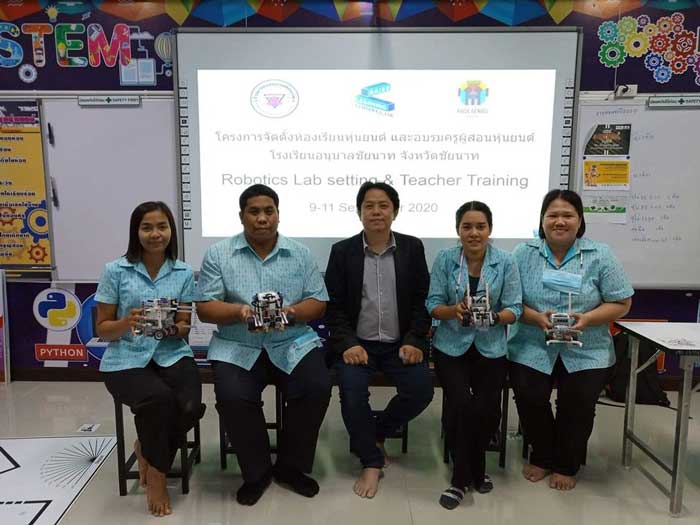
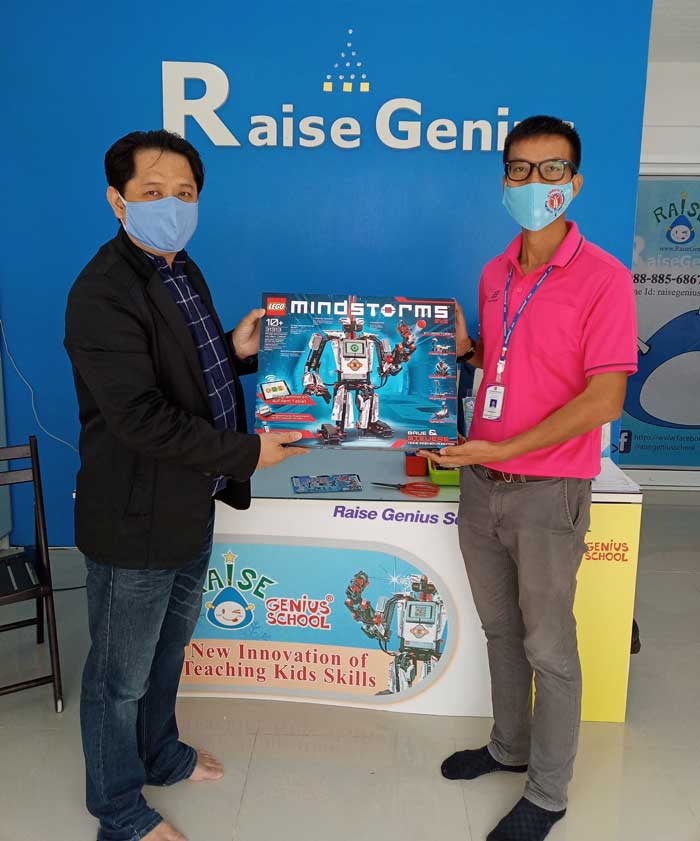
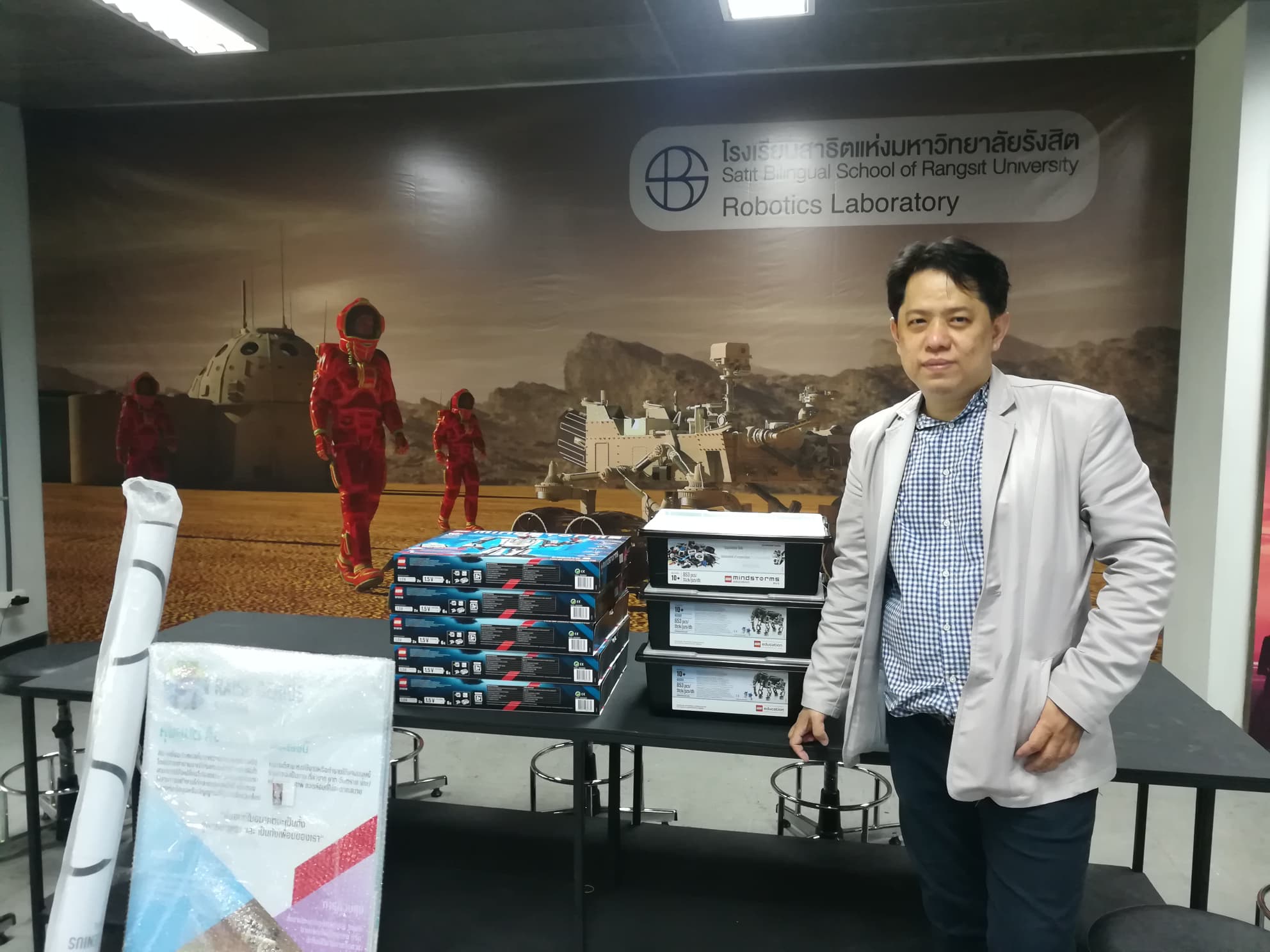
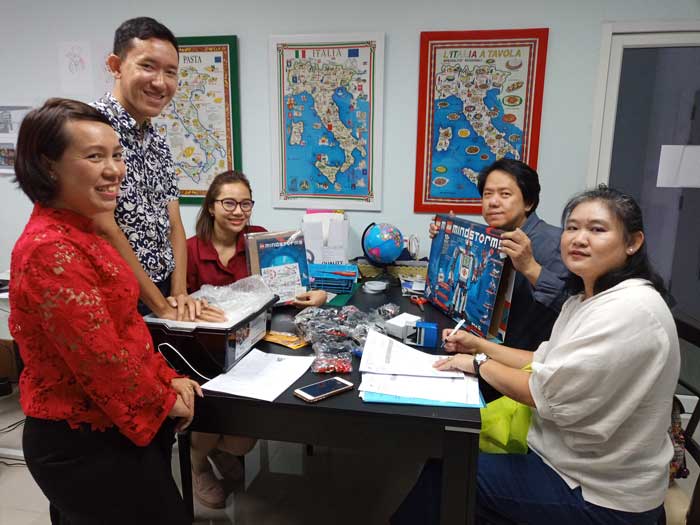
Other recorded examples include LEGO EV3 classroom resources and teacher training at Anuban Chainat; equipment and teaching advice for Nonthaburi Technical College; a robot lab for Satit Bilingual School of Rangsit University; and equipment supplied to Sarawittaya and the international programme at Suankularb Thonburi.
These are examples from the published project archive. Photographs and equipment names describe earlier work, and do not confirm that the same kit, software or package is currently available. Ask the team to recommend a supported setup for the school today.
Background and planning the next step
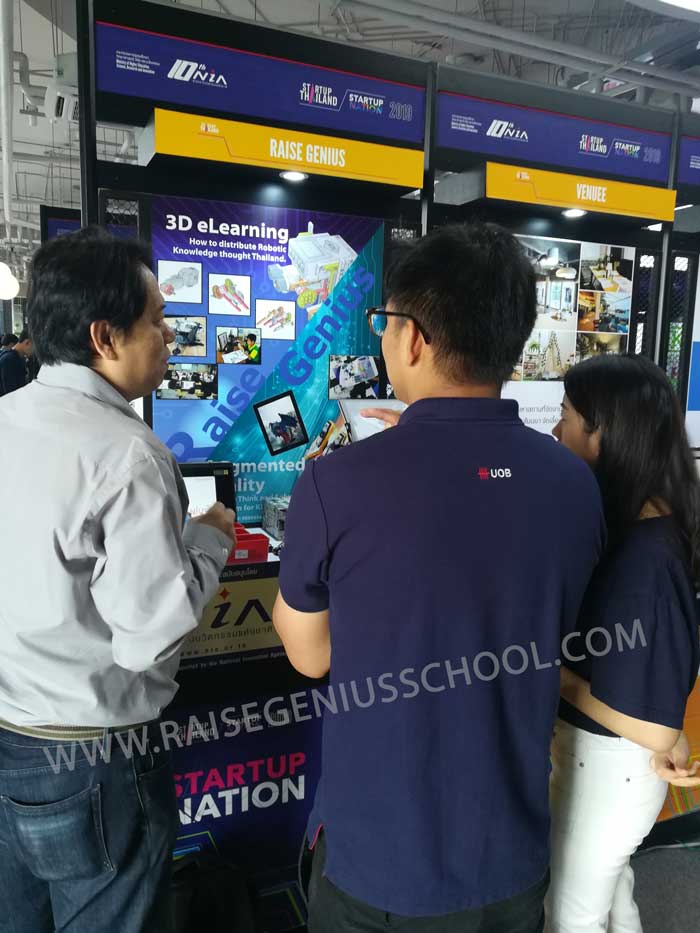
The published profile describes support from the National Innovation Agency, the KMUTT University Business Incubator and franchise development through the Department of Business Development. It also records a 3D eLearning demonstration at Startup Thailand 2019 at True Digital Park. These are historical profile statements rather than a new certification claim for a particular school package.
Begin with the year groups, pupil numbers, proposed subject or club, available room and indicative budget. The next step is to agree the equipment, lesson pathway and teacher support. Delivery, installation, learning-resource access and training should be confirmed in the written scope before a school proceeds.
Published project photographs
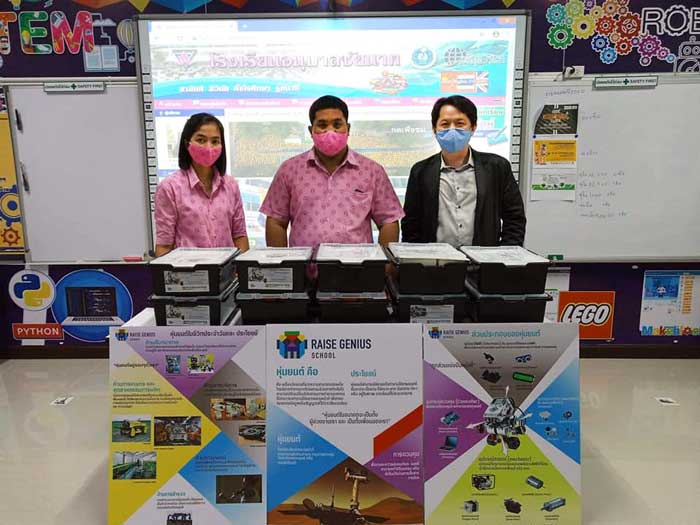
These images are retained from the original service page as examples of previous work. Some contain Thai text or historical dates and prices. Confirm current equipment, availability and conditions with the team.


Frequently asked questions
Can teachers start without a robotics background?
Yes. Discuss the teachers’ experience before choosing a package. The published service includes training in the robot kits, teaching resources and 3D eLearning, so staff can prepare lessons and guide pupils with appropriate support.
Which kits and how many sets should a school buy?
The team recommends equipment around the year groups, class size, room and budget. Request a specific proposal showing kit quantities, software, support and any recurring access costs rather than assuming a fixed package.
Can a school robotics curriculum continue across several years?
The published service describes projects for Primary 1 through Secondary 3. The actual progression, equipment reuse and number of lessons should be agreed for the school, including how new pupils and teachers will join the programme.
What connects the curriculum, kits and teacher training?
Raise Genius combines practical classroom experience with robot kits and 3D eLearning. The source identifies Teacher Num’s robotics master’s background at FIBO, KMUTT. Ask how the proposed school robotics curriculum will use those resources in the school’s own timetable.
Contact and related school services
Tell the team the school name, year groups, pupil or teacher numbers, preferred dates, location and budget. Agree the current content, equipment, fees, schedule and responsibilities in a written proposal before booking.
Contact Raise Genius School service overview
- Robotics Lessons for Schools: Curriculum & Timetables
- Minecraft Education for Schools: Coding Classrooms
- Microbit STEM for Schools: Robotics & Coding
- STEM Activity Stations for School Events
- Robotics Teacher Training: STEAM Classroom Practice
- Robotics Camps for Schools: STEM Workshops
Teacher reference: IPST science and technology education resources (Thai).