Helping a Child Become a Programmer: Build Foundations
RAISE GENIUS · PARENTS & SCHOOLS
Helping a Child Become a Programmer: Build Foundations
Helping a child become a programmer starts with thinking in steps, not choosing the hardest language. The source encourages a foundation in sequences and problem solving, then movement towards text code and projects when the learner is ready.
Contact the teamOn this page
Five checks when helping a child become a programmer
1. Thinking before syntax. Does the course help a child break a problem into smaller steps and recognise patterns?
2. A visible result. A game, robot or practical project gives the learner something to test and explain.
3. Continuity. Ask how regular practice follows an introductory course rather than assume a short event creates a complete foundation.
4. Progression. Look for a pathway from blocks to text programming and personal work, instead of repeating one level.
5. Relevant teaching experience. Ask about the teachers’ own field and experience guiding learners. These checks can be used with any provider, including Raise Genius.
Four stages for helping a child become a programmer
Ages 7-9: practise sequences through games and blocks, such as directing an Agent in Minecraft Education. A playful beginning can make the logic meaningful without requiring immediate text syntax.
Ages 10-12: develop block-based work such as Scratch, then introductory Python when ready. Scratch is visual programming, not a text language; a learner need not rush past it to demonstrate progress.
Lower secondary: Arduino, IoT and introductory C++ can connect code to physical systems. The source names a fourteen-session Sunday Maker example with no more than six learners. Confirm current format and equipment.
Upper secondary: develop one-two personal projects that the learner can explain from the question to debugging. This is a source preparation suggestion, not a universal university project requirement or admission guarantee.
Learning stories and school context
The source mentions Pace from Phuket, whose early Minecraft activities developed into a further interest in coding. It also describes past learners admitted to FIBO through portfolios. Individual stories do not predict another child’s future outcome.
The article gives five years for its live-online teaching context, while other school profiles refer to a longer institutional history. This version keeps that as a source-specific statement rather than replacing it with a newly calculated operating period.
The published format describes small, continuing live groups and teachers including FIBO/KMUTT-background staff. Ask about the current teachers, access arrangements and actual course rather than assume every programme shares the same ratio.
Use the five checks in a family conversation
Ask the learner to describe a small goal, the steps used and what happened when the program ran. The purpose is to hear the child’s reasoning, not to test memorised terminology or to compare progress with another pupil.
When something fails, let the child explain what was expected and what was observed. Ask what could be tested next, and allow the teacher to guide the programming question rather than requiring a parent to supply the answer. That connects the article’s emphasis on visible projects with its emphasis on feedback.
Keep examples of changes as well as a finished project: an earlier attempt, a corrected sequence and an explanation of the decision. These can make a later conversation about readiness more useful than a difficult-looking screenshot alone. For upper-secondary portfolio planning, the learner should be able to explain personal contributions and learning; the receiving institution still sets its own requirements.
Signs the foundation is developing
The child wants to continue a project, can explain why a piece of code failed, and is willing to try again. These are more informative than producing difficult-looking code quickly.
If the learner repeatedly avoids lessons or becomes frustrated, discuss the starting point, feedback and task difficulty. Revisiting a foundation is an educational option, not evidence that the child lacks ability.
The source links computational thinking to cumulative practice, with a NECTEC reference. Helping a child become a programmer means supporting that process over time, without promising a job or comparing every child to a fixed pace.
Original photographs and artwork
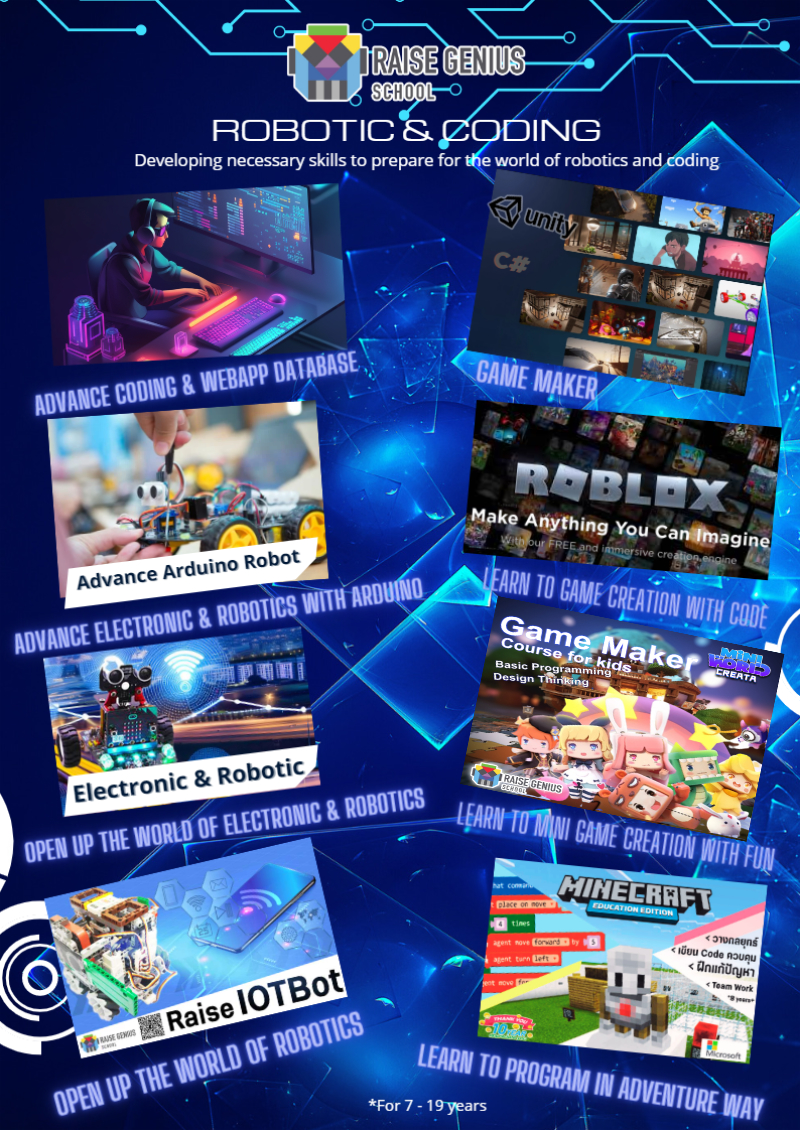
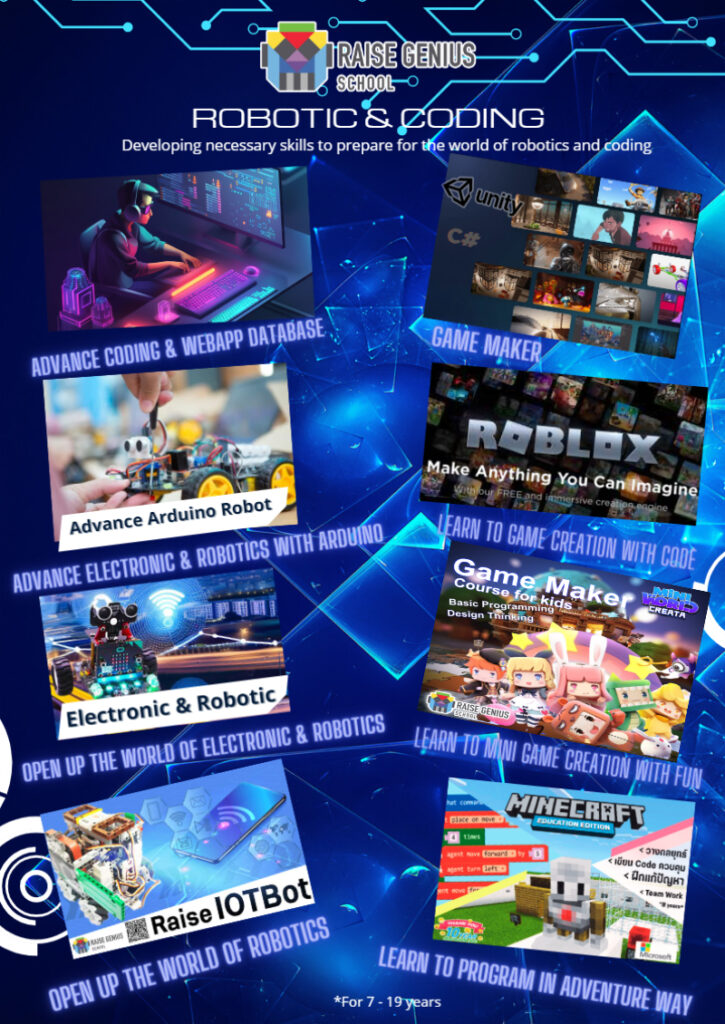
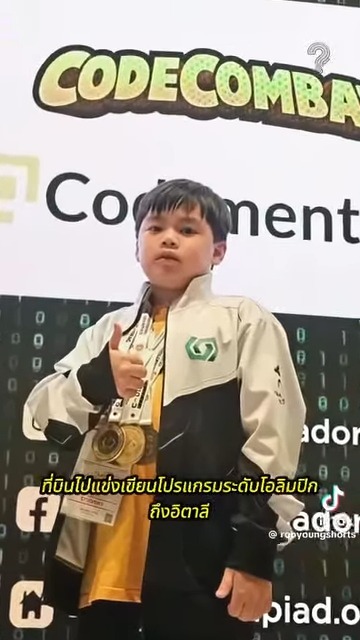
These images are retained from the original page as examples of published learning activities and programme information. Some contain Thai text or historical dates. They do not guarantee the same result for a new learner. Confirm current programmes with the team.
View original images
Frequently asked questions
At what age can foundations begin?
The source describes sequences and blocks from around seven, with Scratch often introduced around eight-ten and text programming later according to readiness. The main age-stage guide is illustrative rather than a deadline.
Must every child start with Scratch before Python?
The source recommends visual blocks for beginners, but says an older learner with prior systematic-thinking experience may start Python directly. Discuss actual readiness rather than apply one mandatory route.
Can a child who finds school maths difficult learn coding?
The article says introductory coding draws on problem solving and sequencing, not only complex arithmetic. Assess the learner and task; no ability or outcome is guaranteed by a label.
Can foundations be developed in live online lessons?
The source emphasises interaction, a teacher who follows work and small-group feedback, whether online or in a room. Compare actual teaching and the learner’s response rather than assume either format always works.
Contact and related pages
Tell the team about the learner or organisation, relevant experience and the intended learning purpose. Confirm the current programme, equipment, availability, schedule and fees before booking.
Contact Raise Genius School service overview
- Computer Specs for Children’s Coding Lessons
- How Much Parent Support Does Online Coding Need?
- Choosing Online Coding for Kids by Age & Readiness
- Online Robotics Learning When No Class Is Nearby
- Robotics for Small Schools with Limited Budgets
- Choosing Robotics Teacher Training for Your School
- Planning School STEM Robotics Camps & Budgets
- Starting a School Robotics Classroom: People Before Kits
- Primary Computing Lessons: From Mechanisms to Code
Course-selection guide · Robotics portfolio projects · Competition preparation · Team advice and coaching · Course guide · General FAQ
Related services: School robotics camps · STEM activity stations
Related reference: NECTEC: coding and computational thinking