How Much Parent Support Does Online Coding Need?
RAISE GENIUS · PARENTS & SCHOOLS
How Much Parent Support Does Online Coding Need?
Parent support for online learning does not necessarily mean sitting beside a child for every minute. The source suggests being nearby for the first few lessons, then stepping back as the child can join, use the program and ask the teacher for help. Readiness and the teaching format matter more than a fixed rule for every family.
Contact the teamOn this page
Five checks for parent support for online learning
1. Live teaching or recordings? A live teacher can ask questions and follow a task. Recorded material offers a different format and may require more reminders or another source of help.
2. Group size. Ask how the teacher notices a quiet child who loses focus or is stuck. A stated small group is useful only when the teacher can actually follow each learner.
3. Individual work. When a game or board does not behave as intended, can the teacher see the screen or project and help during the lesson?
4. Technical support. Ask how a family contacts the support team, who responds and what happens if sound, login or software problems interrupt a lesson.
5. Equipment. Check computer specifications, connection quality and any separately required kit before starting. These practical details can otherwise turn a parent into an unplanned technical assistant.
What the source describes about the school’s format
The article describes live lessons using Discord, engineering-background teachers, limited groups and presentations or submission of a learner’s work. It gives one teacher to no more than four learners for the cited format.
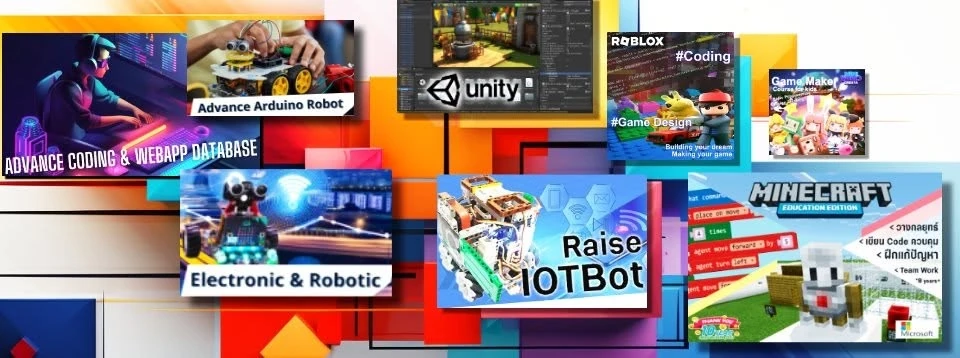
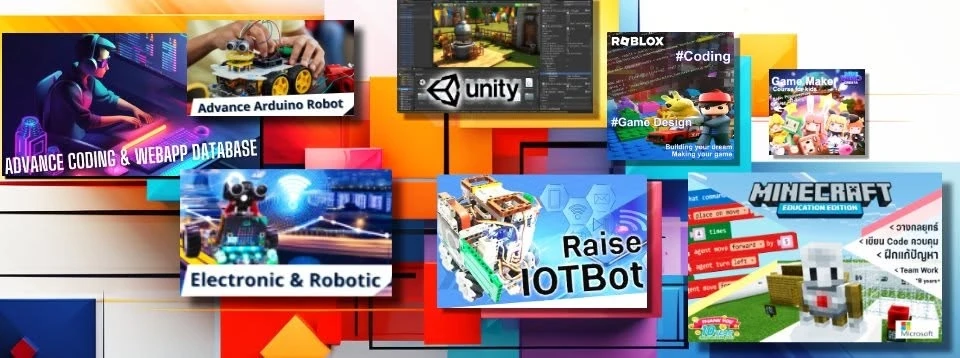
The IOTBot example mentions Saturday teaching with three rounds; the Minecraft example describes age six and above, one-four learners, twelve two-hour lessons and weekend live teaching. These are source examples rather than a fresh schedule or a universal rule across courses.
Course eligibility and communication-platform eligibility are separate. Discord requires users to meet its minimum age rules. Ask the school to confirm an age-appropriate, policy-compliant access arrangement; a young course entry age is not permission to create an underage account.
The source profile’s fifteen-year and KMUTT-incubation references remain attributed school history. Current teachers, ratios, support, fees and available sessions should be confirmed directly.
Parent support for online learning by stage
Ages 7-9: the article suggests staying in the same room for roughly the first one-three lessons to help with sound, camera and software. Once the child can join independently, the parent can do another activity nearby. The opening also mentions two-three lessons; treat both as an initial settling-in period, not a rigid deadline.
Ages 10-12: a parent may increasingly check attendance and ask after class what was made. Let the child open the project and explain it.
Lower secondary: agree attendance times and how to handle distracting applications, while letting the learner communicate with the teacher.
Upper secondary: encourage more independent planning and project responsibility. The source names a fourteen-session, two-hours-per-session Maker/Arduino/C++/IoT example; confirm the current course rather than applying its format to every age.
Three signs of growing independence
The child joins on time, asks the teacher when a problem occurs and can explain the day’s work while showing the project. These are useful observations, not a guarantee that every child reaches independence within three lessons.
A regular schedule and a quiet learning place remain home responsibilities. The original article also cites school guidance about routines and a quiet space; it does not require a parent to supply the lesson’s technical answers.
If problems persist, discuss whether the cause is equipment, the task, feedback or the teaching format. Compare the English computer-readiness and course-choice articles before assuming that the child simply cannot learn online.
Frequently asked questions
Must a parent sit beside the child throughout the lesson?
Not necessarily. The source suggests staying nearby for the first one-three lessons, helping with setup and gradually stepping back when the learner can join and ask for help. Adapt to the child and the course.
Will a child concentrate during online coding?
The source favours live, small-group, hands-on tasks with feedback and a regular routine. Attention varies; ask how the teacher notices difficulty and supports the individual learner rather than treating a format as a guarantee.
Which ages are mentioned in the article?
The source FAQ gives IOTBot from age nine and Minecraft Education from age six, with small live groups. Confirm current course eligibility, schedule and age-appropriate platform access separately; do not create an underage communication account.
Contact and related pages
Tell the team about the learner or organisation, relevant experience and the intended learning purpose. Confirm the current programme, equipment, availability, schedule and fees before booking.
Contact Raise Genius School service overview
- Computer Specs for Children’s Coding Lessons
- Choosing Online Coding for Kids by Age & Readiness
- Online Robotics Learning When No Class Is Nearby
- Robotics for Small Schools with Limited Budgets
- Choosing Robotics Teacher Training for Your School
- Planning School STEM Robotics Camps & Budgets
- Starting a School Robotics Classroom: People Before Kits
- Primary Computing Lessons: From Mechanisms to Code
- Helping a Child Become a Programmer: Build Foundations
Course-selection guide · Robotics portfolio projects · Competition preparation · Team advice and coaching · Course guide · General FAQ
Related services: School robotics camps · STEM activity stations
Related reference: Discord minimum-age information