
SCHOOL SERVICES · RAISE GENIUS
Microbit STEM for Schools: Robotics & Coding
Microbit STEM for schools connects coding with building physical robots and automation projects. Raise Genius helps primary and secondary schools plan a classroom, teaching content, equipment and teacher training around their needs and budget.
Discuss your school’s plansOn this page
Four connected skills in a microbit STEM classroom
Sensors: pupils investigate how a project can receive information from its surroundings. The published examples include a colour-sensor sorting robot and a robot that turns towards a light sensor. These are examples to discuss, not a fixed list included in every package.
Mechanisms: learners construct physical structures for a robot or an automated system. They explore how a mechanical arrangement affects the task, rather than treating a program as something that exists only on a screen.
Coding: pupils write instructions for an embedded controller and connect those instructions to the structure and sensors. The aim is to help learners see the relationship between inputs, decisions and physical action.
Testing: hands-on work creates opportunities to experiment, observe, investigate and ask questions. Pupils can try a project, notice a difficulty and improve their design or code. The lesson sequence should match the age and experience of the group.
A school service from planning to teacher preparation
The original service combines advice, classroom design, content development, teacher training and teaching resources. These parts work together so that a school can prepare a STEM robotics course using micro:bit rather than selecting equipment in isolation.
Begin with the school’s year groups, proposed timetable, available space and teaching experience. Raise Genius can discuss an approach for a regular subject, after-school learning or a robotics camp, then adapt the proposal to the school’s priorities.
The service draws on the institute’s published robotics teaching and classroom setup experience. The final proposal should identify the equipment, training, software and resources included, together with responsibilities for preparing computers and maintaining the classroom.
Practical learning and a continuing pathway
The source emphasises projects that bring STEM and coding together. Building a robot encourages pupils to work with a visible system: a mechanism has to move as intended, a sensor has to be read and the program has to respond in a useful way.
This can support curiosity about robotics and automation and provide a starting point for more advanced projects. It can also give teachers a concrete setting in which pupils explain what they tried, what happened and what they would change next.
The original page discusses developing project entries or a future robotics team, including OBEC events and other leagues. Competition preparation requires a separate decision about rules, eligibility, equipment and the time available. A school programme does not guarantee entry, selection or prizes.
Budget, examples and the next conversation
The published service highlights the ability to plan equipment and activities within a school budget. There is no single confirmed package price on this page. Ask for an itemised proposal rather than assuming that every school uses the same number of kits or the same project set.
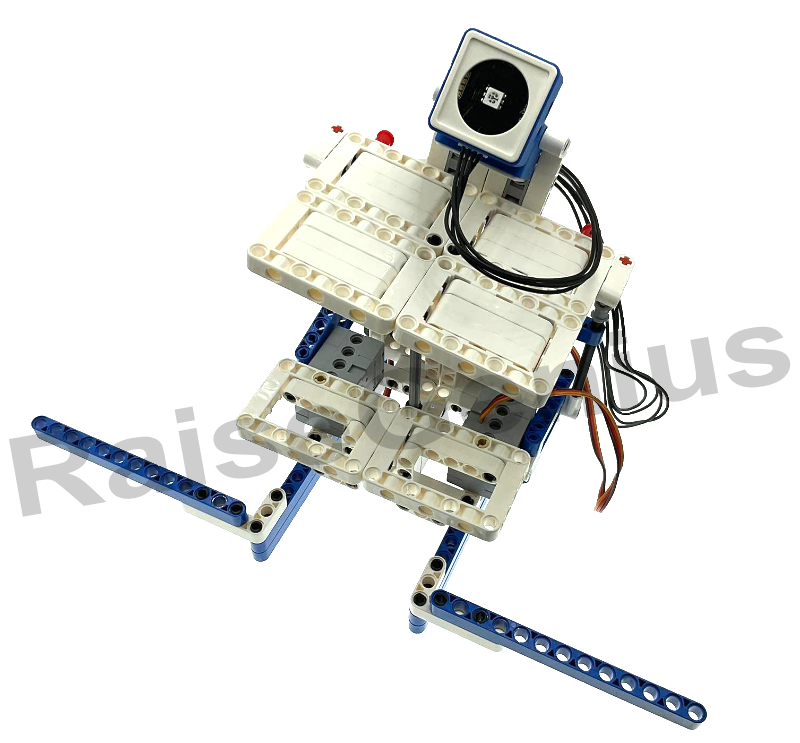
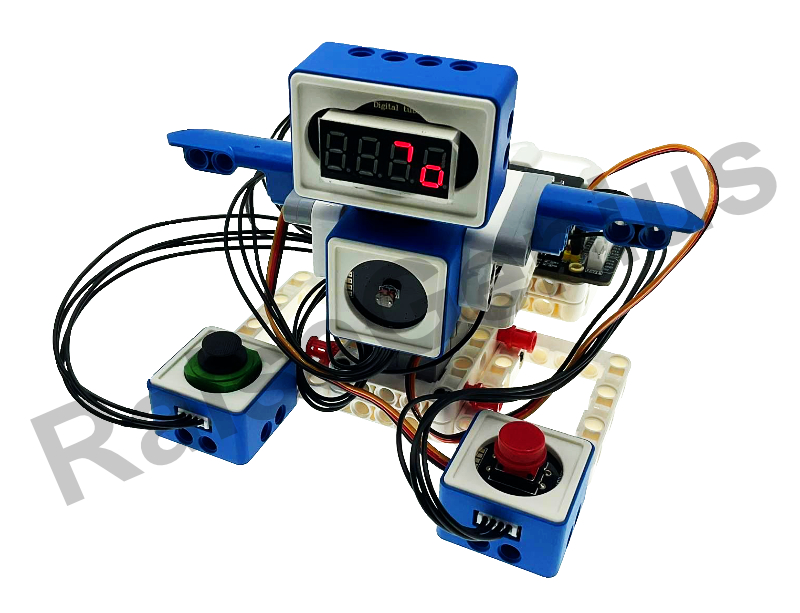
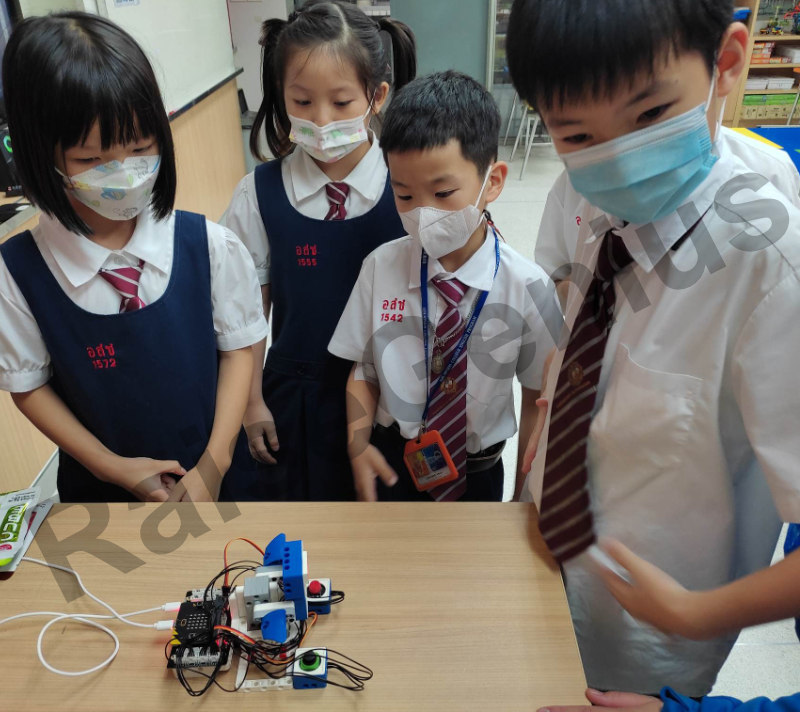
The source gallery shows micro:bit robotics examples, including colour-based sorting, light sensing and pupils exploring a robot. These photographs illustrate earlier work and help start a discussion about suitable activities.
Before choosing microbit STEM for schools, share class sizes, existing controllers or robot kits, computers and teachers’ experience. Teachers Boong and Num can help discuss the intended learning goals and the support needed to begin. Confirm the current equipment, availability, fees and scope before proceeding.
Published project photographs
These images are retained from the original service page as examples of previous work. Some contain Thai text or historical dates and prices. Confirm current equipment, availability and conditions with the team.
Frequently asked questions
What does microbit STEM for schools combine?
The service combines embedded coding with sensors and mechanical construction to create robots and automation projects. Lessons are planned around the pupils’ year group, experience and the school’s learning goals.
Can the school request classroom setup and teacher training?
Yes. Advice, classroom design, content preparation, teacher training and teaching resources are part of the published service description. Confirm the exact deliverables and support in the school’s proposal.
Which projects are shown on the source page?
Examples include a colour-sensor sorting robot and a robot responding to light. They illustrate possible learning activities. The chosen project sequence and available hardware should be confirmed with the team.
Can this lead towards robotics competitions?
The source describes a possible pathway to project presentations and competition teams. Rules, eligibility, equipment and preparation time must be checked for the intended event; competition entry and awards are not guaranteed.
Contact and related school services
Tell the team the school name, year groups, pupil or teacher numbers, preferred dates, location and budget. Agree the current content, equipment, fees, schedule and responsibilities in a written proposal before booking.
Contact Raise Genius School service overview
- School Robotics Curriculum & Classroom Setup
- Robotics Lessons for Schools: Curriculum & Timetables
- Minecraft Education for Schools: Coding Classrooms
- STEM Activity Stations for School Events
- Robotics Teacher Training: STEAM Classroom Practice
- Robotics Camps for Schools: STEM Workshops
Teacher reference: Official micro:bit teaching resources.