Choosing Online Coding for Kids by Age & Readiness
RAISE GENIUS · PARENTS & SCHOOLS
Choosing Online Coding for Kids by Age & Readiness
Choosing online coding for kids begins with the teaching format rather than a school name. The source proposes four checks: live interaction, a group small enough to follow every learner, a pathway across stages and progress reports with an opportunity to discuss a trial lesson.
Contact the teamOn this page
Four checks when choosing online coding for kids
First, distinguish a live class from recorded material. Ask what the learner does and how a teacher responds to a mistake.
Second, ask how every learner’s screen or project is followed. A small-group label alone does not explain the feedback a quiet child receives.
Third, look for a progression beyond one short course: blocks, text programming and projects should connect to readiness and interest rather than repeat the same level.
Fourth, ask about progress reports and a trial or introductory discussion. Confirm how these arrangements work now, including any terms, rather than assume a trial place is always available.
A pathway by age and experience
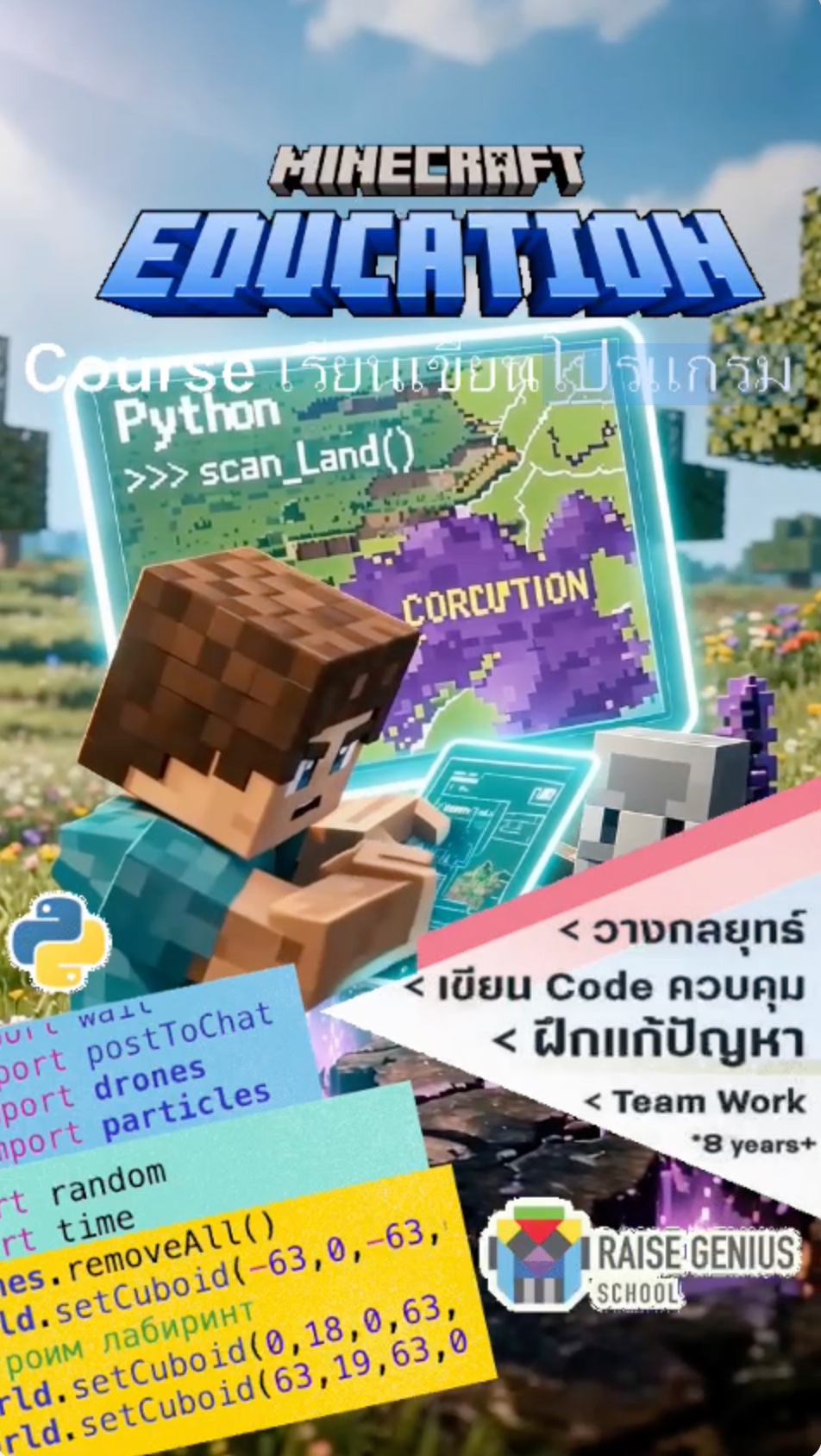
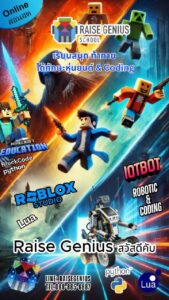
The article describes Minecraft Education block activities around ages 6-10, then Python missions around ages 10-13 when the learner is ready.
For upper primary and lower secondary, the Roblox example begins from age nine with some block-coding background. A learner designs a game and writes controls for its mechanisms.
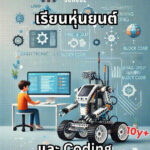
Lower secondary can explore Arduino, micro:bit, electronics and IoT. Upper secondary examples include Web App and Unity3D, with personal projects that can document learning. University decisions and requirements are independent of course completion.
Age labels are source guidance. Ask the teacher to check previous experience and the proposed software, and confirm the currently offered pathway.
A pupil story and the teaching process
The source recounts Pace, a pupil from Phuket who began learning online from age six. It describes later coding/STEM competition success in Italy and presents the earlier lessons as one contribution to a longer learning journey.
This is the school’s published individual account, not independent verification of an award or proof that another pupil will achieve the same result. It should not become a guaranteed outcome when choosing online coding for kids.
The teaching example combines live challenges, an end-of-lesson presentation and continuing reports to parents. Ask how those practices apply to the course under consideration.
Practical arrangements before deciding
The source mentions a mid-range Windows computer, an i3/i5 or equivalent CPU, at least 16 GB RAM, a webcam and reliable internet. Other school articles give more demanding recommendations for particular workloads. Ask the team to assess the actual program and device instead of treating one example as a universal minimum.
Live teaching is described as using Discord. Confirm the communication platform’s age rules and the school’s appropriate access arrangements for the learner; a course accepting young children does not authorise an underage platform account.
The source invites families across Thailand and ASEAN to enquire. Confirm current availability, language of teaching, session times, support, equipment and fees before enrolling. Use the English computer and parent-support guides to prepare questions.
Original photographs and artwork
These images are retained from the original page as examples of published learning activities and programme information. Some contain Thai text or historical dates. They do not guarantee the same result for a new learner. Confirm current programmes with the team.
View original images
Frequently asked questions
How does live online learning compare with attending a centre?
The source emphasises hands-on work, live questions and presentations in both settings, with less travel for online learners. Actual suitability depends on the teaching, learner and home setup; equal outcomes are not guaranteed.
What equipment is mentioned?
The source gives a mid-range Windows computer, i3/i5 or equivalent, at least 16 GB RAM, webcam and reliable internet. These are school examples; confirm current software and a course-specific device assessment.
What if a younger child loses focus?
Ask about group size, interaction, individual feedback, review arrangements and reports. A well-supported task may help participation, but the teacher and family should assess the child’s response.
Which course should a beginner consider?
The source suggests Minecraft blocks for younger beginners, Roblox from age nine with block experience, then Python, Arduino/micro:bit and advanced projects as readiness develops. Confirm the appropriate current course and trial arrangements.
Contact and related pages
Tell the team about the learner or organisation, relevant experience and the intended learning purpose. Confirm the current programme, equipment, availability, schedule and fees before booking.
Contact Raise Genius School service overview
- Computer Specs for Children’s Coding Lessons
- How Much Parent Support Does Online Coding Need?
- Online Robotics Learning When No Class Is Nearby
- Robotics for Small Schools with Limited Budgets
- Choosing Robotics Teacher Training for Your School
- Planning School STEM Robotics Camps & Budgets
- Starting a School Robotics Classroom: People Before Kits
- Primary Computing Lessons: From Mechanisms to Code
- Helping a Child Become a Programmer: Build Foundations
Course-selection guide · Robotics portfolio projects · Competition preparation · Team advice and coaching · Course guide · General FAQ
Related services: School robotics camps · STEM activity stations
Related reference: Discord minimum-age information