Choosing a Coding Course for Children: A Family Guide
RAISE GENIUS · PARENTS & SCHOOLS
Choosing a Coding Course for Children: A Family Guide
Choosing a coding course begins with the learner’s next step and the teaching they will actually receive. The original guide highlights a continuing pathway, individual attention and instructors who understand the subject. A course name or attractive finished project does not answer those questions alone.
Contact the teamOn this page
Choosing a coding course: seven checks when choosing a coding course
Progression: ask what follows the first block-coding activities and how later games, physical devices or text programming connect to readiness.
Teacher attention: ask both the number of pupils and teachers, and how each screen or project is followed. The source favours no more than four learners per teacher for its example.
Teacher background: ask who teaches and how they respond when a task fails. Subject expertise should be visible through explanation and feedback.
Practical participation: ask what the child makes, changes and explains during the session. The source’s suggested seventy-percent hands-on figure is a teaching target, not an independently measured guarantee.
Parent updates: ask how progress is described and how the family can discuss a difficulty.
Examples and evidence: inspect actual learner work and attributed stories without treating another child’s result as a promise.
Introductory arrangements: confirm whether an assessment or trial is currently offered, its terms, dates and any fee. A free trial is not by itself proof of teaching quality.
Different formats and an age-stage pathway
The source compares three visible formats: specialist live teaching, apps/recorded courses and parent-led introductory resources. They offer different levels of flexibility, feedback and family involvement, and can sometimes be combined.
The source gives broad illustrative costs of THB 7,000–15,000 for specialist courses, free or low-cost monthly digital resources and free parent-led resources. These are source estimates rather than verified current market prices.
It suggests blocks around six to nine, then game creation when ready, practical electronics/IoT in lower secondary and deeper software or physical projects in upper secondary. Roblox is described from nine with prior blocks. Course age and communication-account eligibility are separate.
The published school course table
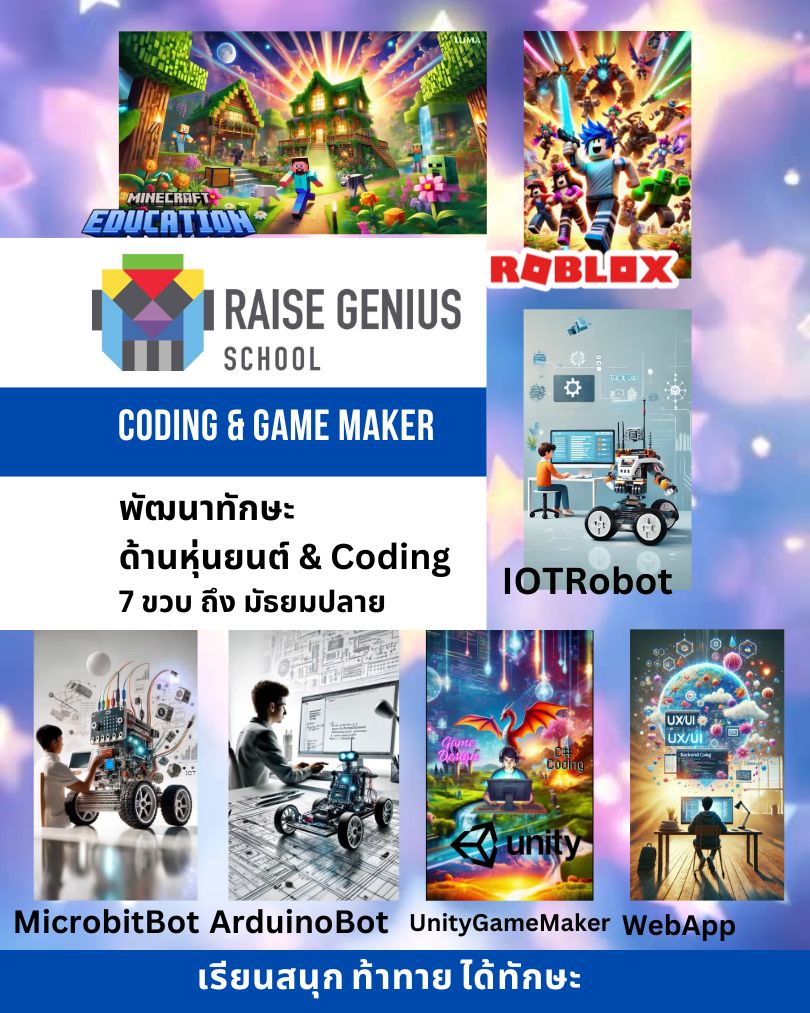
Minecraft Education: from six, one to four learners per teacher, twelve sessions, original THB 9,000 figure.
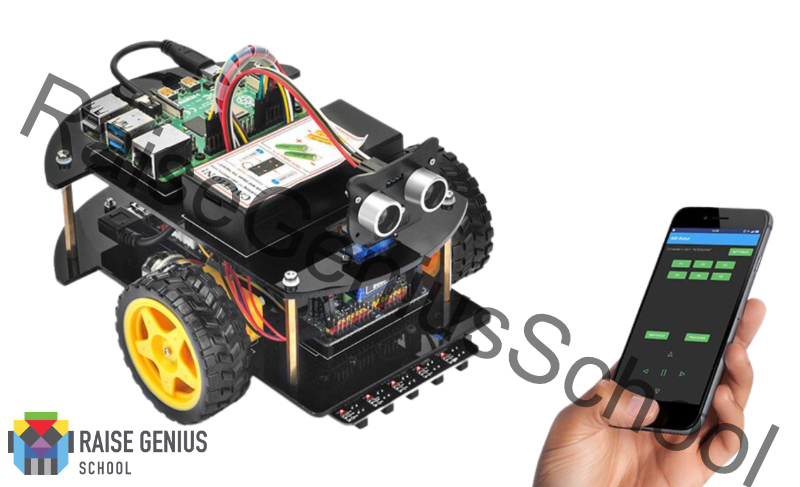
IOTBot: the source table gives eight and above, fourteen sessions and THB 9,900 plus some equipment costs. Other school articles give nine and additional prerequisites; confirm the exact current placement.
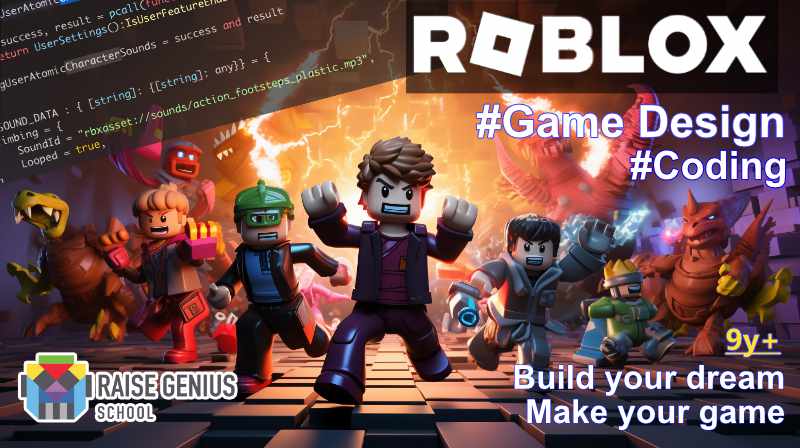
Roblox Game Maker: from nine with some block experience, twelve sessions, THB 9,500.
Electronic/Robotic micro:bit, Arduino and IoT: lower secondary, fourteen sessions, THB 9,900 plus some equipment costs. Unity3D: upper secondary, fourteen sessions, THB 9,900.
The original describes these as pre-promotion figures and advertises free introductory teaching. Confirm the currently offered programme, kit, fees and trial terms before paying.
Evidence, devices and a realistic decision
The published profile mentions fifteen years of school activity, KMUTT incubation, an engineering teaching team and individual admission stories. These remain attributed source claims requiring owner-approved wording, not new guarantees.
The source recommends a mid-range Windows device, an i5 generation-twelve or equivalent example and at least 16 GB RAM. These are school lesson recommendations, not every application’s manufacturer minimum. Confirm the exact software and test the existing machine.
Ask the learner to explain one thing they want to create and compare the actual pathway, teacher attention and practical setup. A sustainable choice connects to readiness, family time and confirmed costs.
Original photographs and artwork
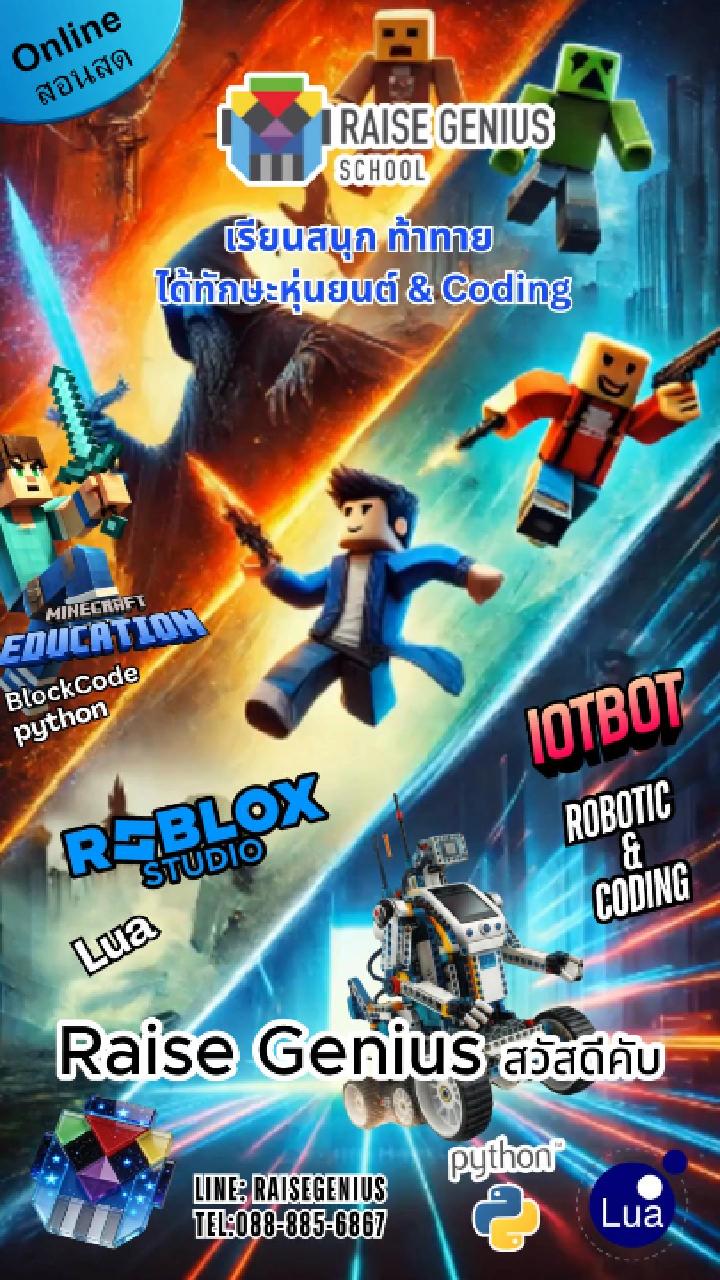
These images are retained from the original page as examples of published learning activities and programme information. Some contain Thai text or historical dates. They do not guarantee the same result for a new learner. Confirm current programmes with the team.
View original images

Frequently asked questions
What age can a child begin?
The source describes Minecraft Education from six and later pathways by readiness. Confirm the actual course placement and appropriate communication access.
Should Minecraft or Roblox come first?
The original favours Minecraft blocks for younger beginners and Roblox from nine with previous block experience. Ask the teacher to assess actual work.
What prices are published?
The school table gives THB 9,000, 9,500 or 9,900 depending on the course, with some separate kit costs. These are original figures to reconfirm, not current booking quotations.
Does an online lesson require a new high-end computer?
The source gives a practical Windows/i5/16 GB example. Ask for a course-specific device check and trial the existing setup before buying.
Does a portfolio pathway guarantee admission?
No. Practical work can document development; eligibility and selection remain with each institution.
Is a free trial currently available?
The original advertises it. Confirm current availability, conditions and any assessment arrangements with the team.
Contact and related pages
Tell the team about the learner or organisation, relevant experience and the intended learning purpose. Confirm the current programme, equipment, availability, schedule and fees before booking.
Contact Raise Genius School service overview
- Benefits of Robotics Learning for Children
- Minecraft Education: First Coding Steps for Primary Learners
- When to Start a Robotics and AI Portfolio
- AI Learning for Children: Start with Coding Foundations
- Equipment, Curriculum and Training for a School Robotics Club
- Starting an AI or IoT Project for a Portfolio
- A Guide to School Robotics and STEM Camps
- Roblox Game Making or Minecraft Education: Where to Begin?
- Robotics Engineering Careers and a Changing AI Workplace
Course-selection guide · Robotics portfolio projects · Competition preparation · Team advice and coaching · Course guide · General FAQ
Related services: School robotics camps · STEM activity stations
Related learning: Raise Maker Arduino · micro:bit robotics · IOTBot & AI · Portfolio preparation · Camp proposal · Accompanying teachers
Related reference: IPST STEM resources (Thai)