
SCHOOL SERVICES · RAISE GENIUS
Minecraft Education for Schools: Coding Classrooms
Minecraft Education for schools introduces coding through a familiar virtual environment. Raise Genius provides consultation, lesson design, teacher training and classroom setup for primary and secondary schools, including regular lessons and after-school learning.
Discuss your school’s plansOn this page
Learning through a Minecraft coding classroom
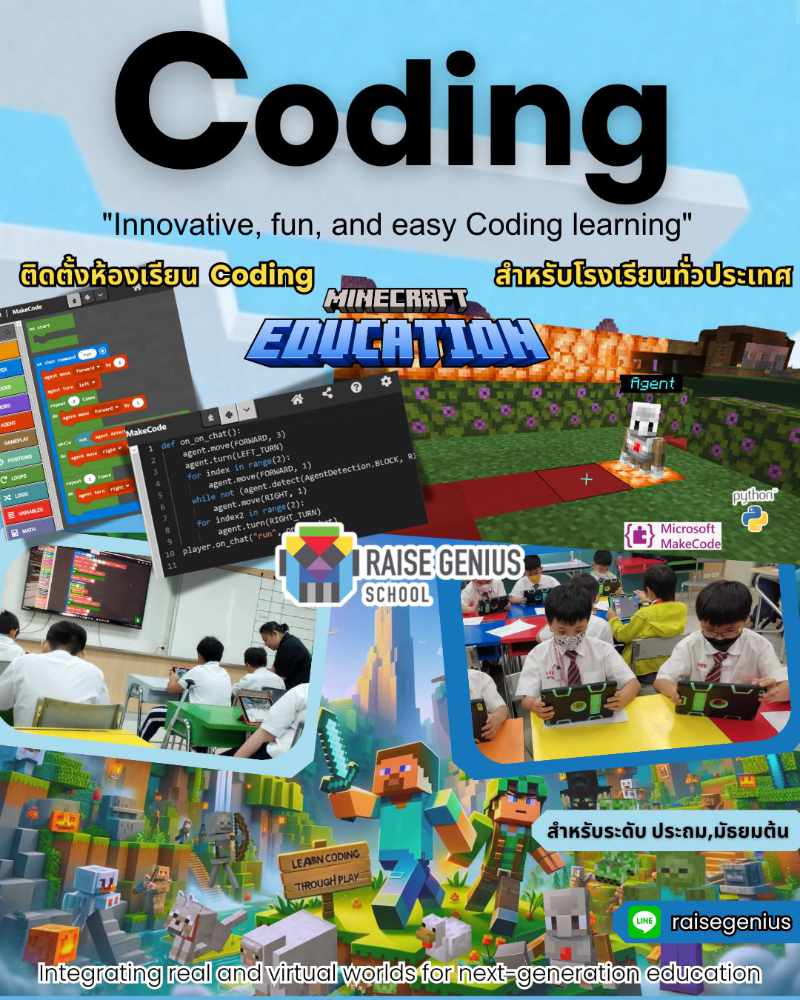
The published service introduces coding through programming tasks in Minecraft Education. Pupils experiment, investigate, explore and ask questions as they make instructions produce a visible result. This is a practical way to begin discussing how a program works.
The aim is to help learners approach coding with curiosity and confidence, then build towards more demanding tasks as their skills develop. A virtual building environment can give pupils a shared setting for problem solving and explaining their ideas. Learning outcomes still depend on the lesson design, practice and teacher guidance.
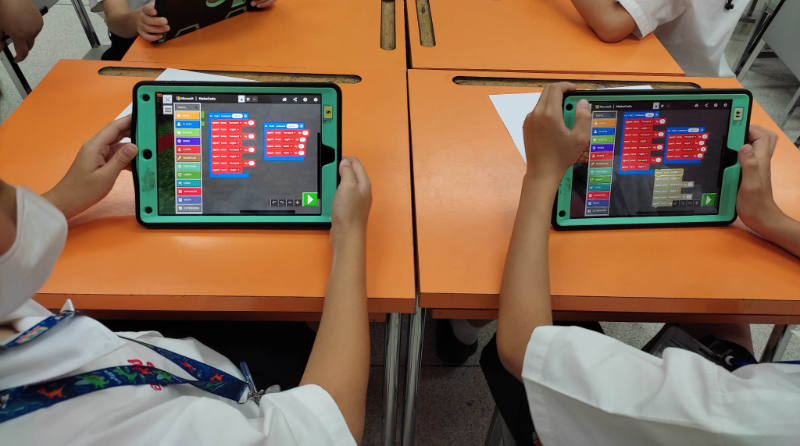
The source discusses MakeCode and Python as coding pathways. The appropriate starting point should be chosen around the learners’ age, experience and the software features available on the school’s actual devices. Confirm those details with the team before deciding the lesson sequence.
What the school setup service includes
Consultation: begin with the school’s aims for computing or coding, the year groups and the available timetable. Raise Genius can discuss how Minecraft Education for schools fits a timetabled subject or an extracurricular programme.
Curriculum design: the team helps plan content and teaching activities around the agreed needs. The published service describes experience with both extracurricular coding courses and school-based programmes.
Teacher preparation: training supports staff in delivering the chosen activities and preparing their lessons. Discuss the teachers’ starting knowledge, expected classroom responsibilities and the support required after setup.
Classroom setup: installation and system preparation are planned around the school’s requirements and budget. Request an itemised scope so that the school understands the software, accounts, devices and training included.
Four practical steps before opening a class
First, define the year groups, pupil numbers and learning goals. A regular subject, after-school class and coding camp have different time constraints, so explain the intended format early.
Second, review existing devices and the network. The original page mentions computers, iPad and Android devices, but the actual supported device, operating system, account and coding features should be verified for the planned setup. This page does not certify every device or promise that licensing is included.
Third, agree the lesson pathway and teacher training. Plan how staff will introduce instructions, observe pupils’ work and help learners debug a task. Confirm the final equipment and software requirements before purchasing.
Fourth, confirm installation, testing, the timetable and the quotation. Keep responsibilities for account administration, software access and ongoing support clear in the written proposal.
Classroom benefits and previous work
The source describes an engaging learning environment in which pupils can demonstrate coding ideas through their work. Prepared resources can help lesson preparation, while a clear sequence of activities gives teachers a way to guide practice and discussion.
It also describes the possibility of learning from home when necessary. Any remote arrangement depends on access to the required devices, accounts, software and connectivity, and should be agreed separately with the school.
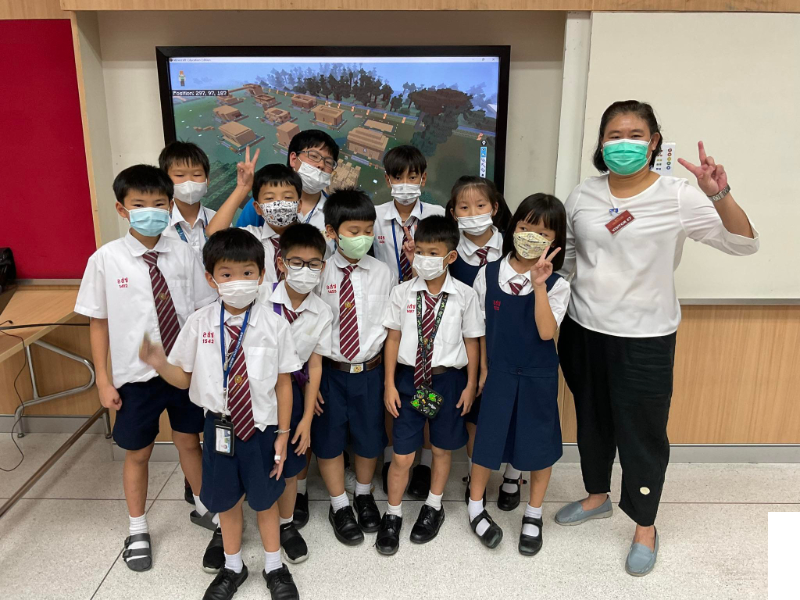
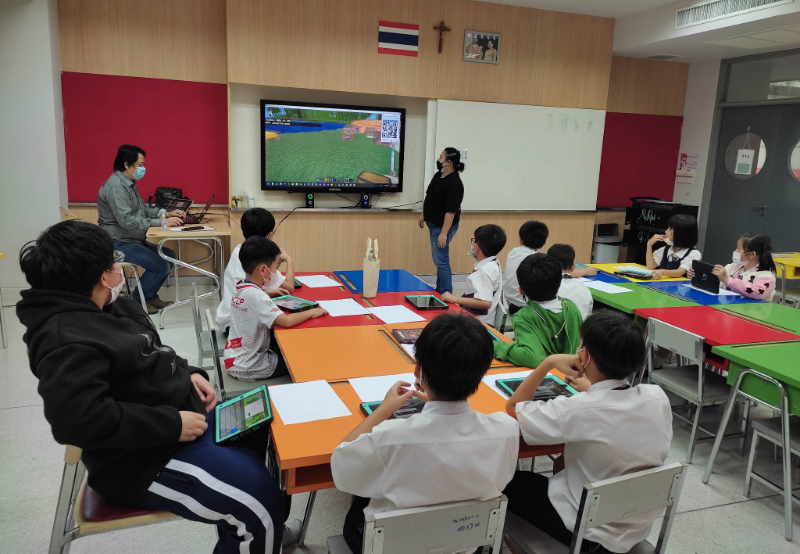
The published archive shows after-school work with lower-primary pupils at Assumption College English Program, Rama II campus. The photographs are examples of previous classes. Contact Teachers Boong and Num through the contact page to discuss a current school proposal.
Published project photographs
These images are retained from the original service page as examples of previous work. Some contain Thai text or historical dates and prices. Confirm current equipment, availability and conditions with the team.
Frequently asked questions
Is Minecraft Education for schools suitable for regular lessons?
The service covers curriculum work for primary and secondary schools, including in-class and after-school learning. The school should confirm the year groups, teaching goals and available time before choosing a programme.
Does the service include teacher training?
The published service includes teacher training alongside advice, content design and setup. Ask for a proposal specifying the training content, number of participants and support arrangements for the school.
Can pupils learn MakeCode and Python?
Both are mentioned in the original course description. The chosen pathway must match the pupils’ experience and the current capabilities of the school’s devices and Minecraft Education setup.
Are software licences and devices included?
This page does not specify a universal bundled licence or device package. Ask the team to confirm accounts, software access, compatible equipment, fees and installation responsibilities in the school’s quotation.
Contact and related school services
Tell the team the school name, year groups, pupil or teacher numbers, preferred dates, location and budget. Agree the current content, equipment, fees, schedule and responsibilities in a written proposal before booking.
Contact Raise Genius School service overview
- School Robotics Curriculum & Classroom Setup
- Robotics Lessons for Schools: Curriculum & Timetables
- Microbit STEM for Schools: Robotics & Coding
- STEM Activity Stations for School Events
- Robotics Teacher Training: STEAM Classroom Practice
- Robotics Camps for Schools: STEM Workshops
Teacher reference: Official Minecraft Education resources.