RAISE GENIUS SCHOOL · ONLINE CODING COURSE
Learn coding with Minecraft Education
Children program the Agent with block coding and progress towards Python through missions involving planning, experimentation, problem-solving and teamwork, with a teacher guiding live online lessons.

Coding in Microsoft Minecraft Education for primary and lower secondary students Now available
Mission-based coding for children with Microsoft Minecraft Education
(Block coding and Python are used according to each learner’s skills.))
Apps, robotics, AI, augmented reality and virtual reality all involve algorithms and coding. Early experience with programming and the way software works helps children explore digital creation and robotics with greater confidence.
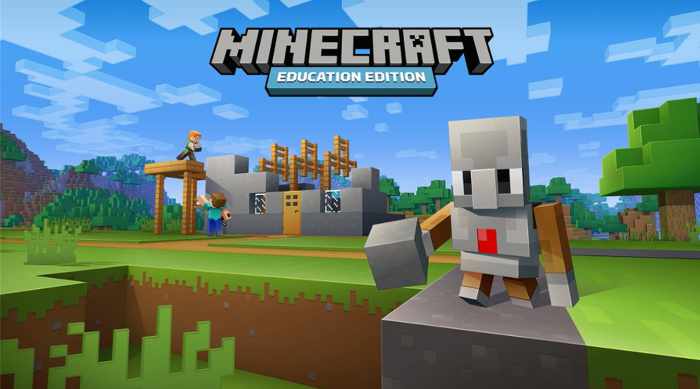 In this Minecraft Education programming course, learners plan strategies for missions, program the Agent to gather resources and complete tasks, test their code and debug problems. Lessons are taught through live online coding with a teacher on Discord, a communication application used for our lessons.
Who is this course for?
– Children aged 6 and up who are starting coding or already have some experience. – Children who want an enjoyable way to explore programming.
Strengths of our online Minecraft Education coding course
– Mission-based learning with enjoyable, challenging tasks that develop skills. – Live teaching in groups of 1-4 learners per teacher, with close support. – Learn from a suitable Windows computer, Mac or iPad with high-speed internet, subject to the teacher’s setup check. – Practise writing and running real code, with visible results. – Experienced teachers with engineering backgrounds. – Support when a learner is stuck or needs an explanation. – Students present a short learning summary so teachers can review understanding and each child’s perspective. – Teachers can arrange revision when a learner has not understood a topic. – Ask about rescheduling a lesson that your child cannot attend. – Challenges encourage learners to use their abilities. – Activities support interaction and understanding throughout lessons. – Further pathways include electronics and coding, Game Maker, and web services and databases. – Technical help supports uninterrupted learning. – Parents receive ongoing feedback on development and learning. – Teaching follows each child’s interests and development through a constructionist approach. – Opportunities may include online exhibitions and competitions with national partners. – Teachers encourage children with care and understanding.
Published days and class times
– Saturday and Sunday, with published start times of 09:00, 11:00, 13:00 and 15:00, Thailand time. – One course has 12 two-hour lessons. – There is no enrolment fee. – The original course conditions allow two absences with make-up lessons. Regular attendance is recommended because lessons build on previous work. Confirm current class availability, make-up arrangements and conditions before enrolling.
Coding Coding is a tool for creating digital technology, AI and systems that control machines and robots. As children gain programming experience, they can explore more uses of digital tools, join creative projects and prepare for more advanced learning.
Digital devices and applications are part of everyday life. Programming is one of the technologies behind them.
Further learning pathways
– Next level for primary and lower secondary students with coding experience: GameMakerWithMiniWorld
– Next level for students moving into lower secondary and beginning Lua and graphical programming: RobloxGameMaker (For ages 9 and up, with some previous block coding experience.)
– Next level for upper secondary students preparing for university subjects involving computer programming, digital technology, game development, VR, AR or multimedia: UnityGameMaker
Course information: The regular Minecraft Education course fee is THB 9,000 for 12 live online lessons of two hours each, or 24 hours in total. It suits primary-age learners. Offers may be available; confirm current prices and any software or licence charges. Raise Genius School reports more than 12,530 learners over 15 years.
Over 15 years of teaching experience For further information, contact: RaiseMinecraftEducationCourse

Examples of learning missions
Animal farm mission
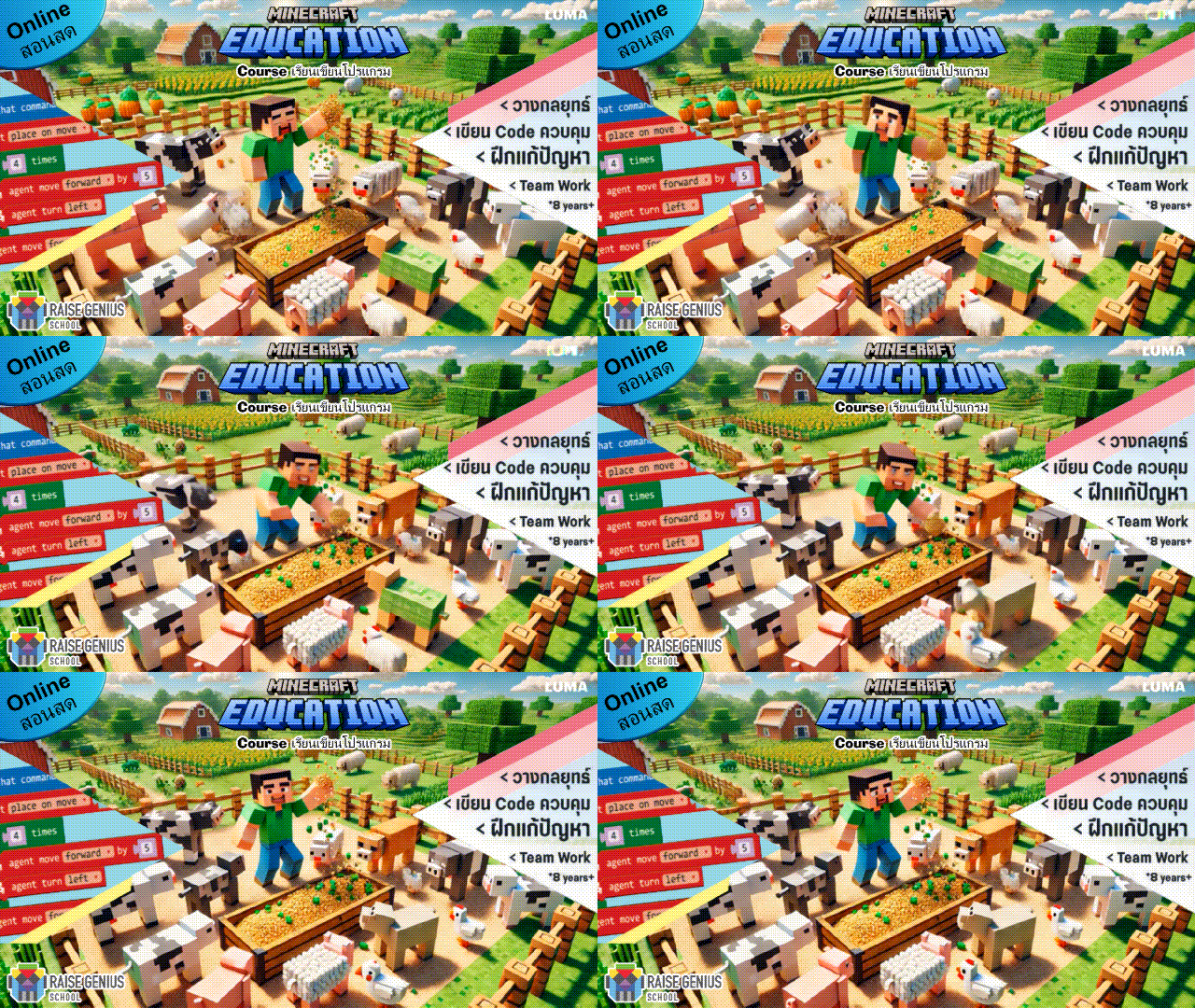
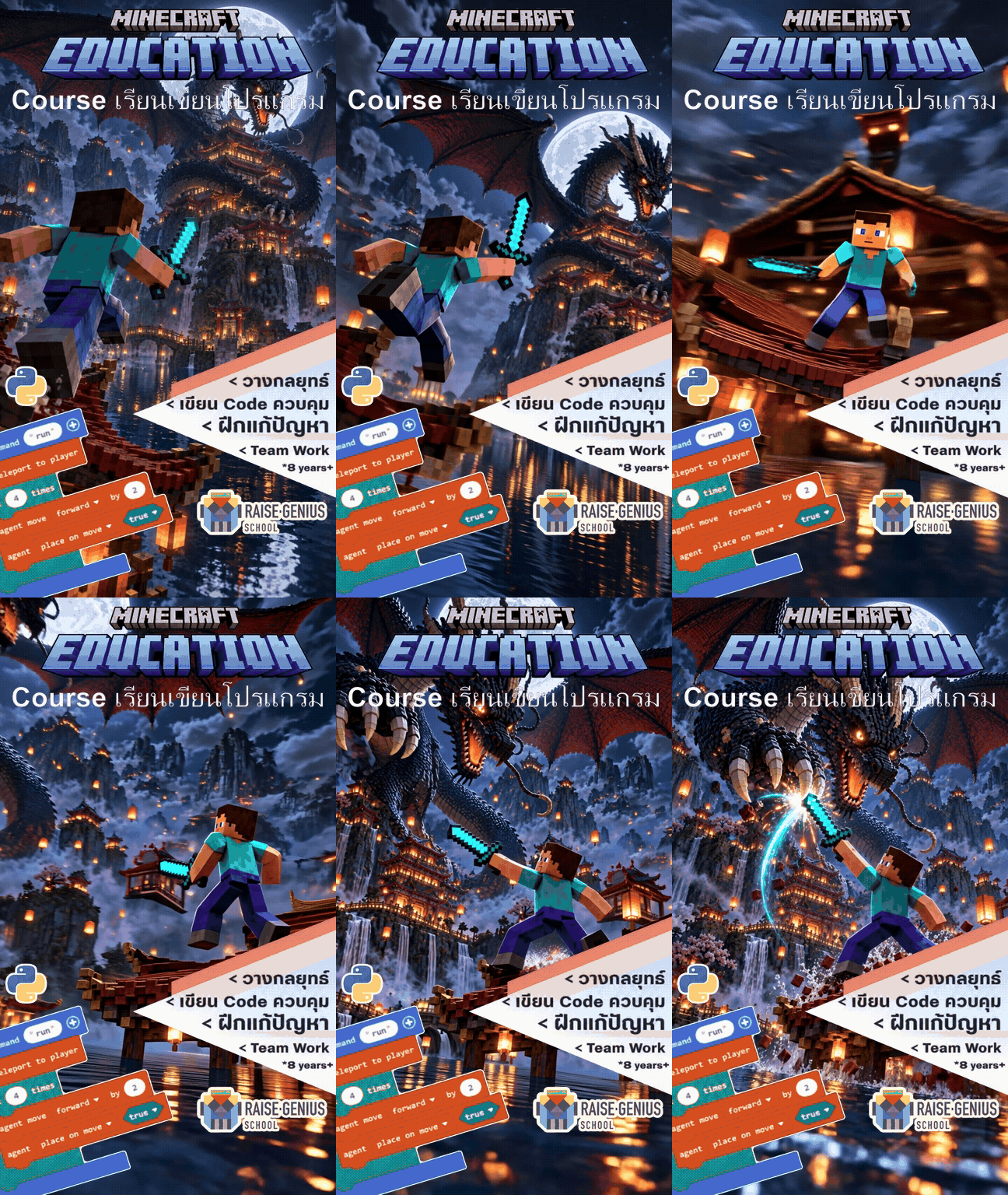
In this mission, Learners combine if-then-else decisions with while loops to collect emeralds and build an Iron Golem team to face the dragon’s helpers. The mission brings coding ideas into a challenging shared project.
Learning through missions
Mission-based teaching in Minecraft Education gives learners a clear purpose for coding. Weekly challenges, such as defeating a dragon, connect new ideas with practical goals.
Examples of students’ work
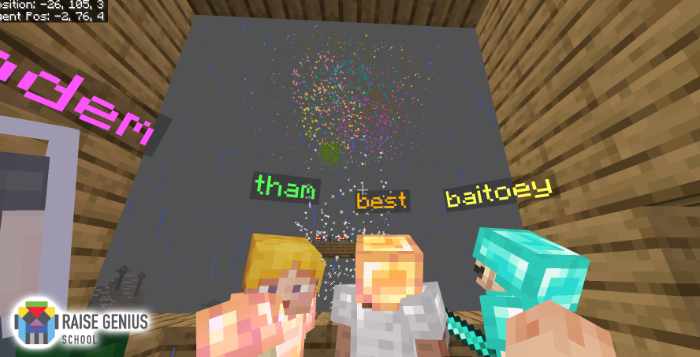
Students worked as a team to build a tree house and enjoy a fireworks display from it, programming their Agents to help with construction.  Students interpret the challenge, develop a strategy, plan, share tasks, write code and test their plans with classmates.
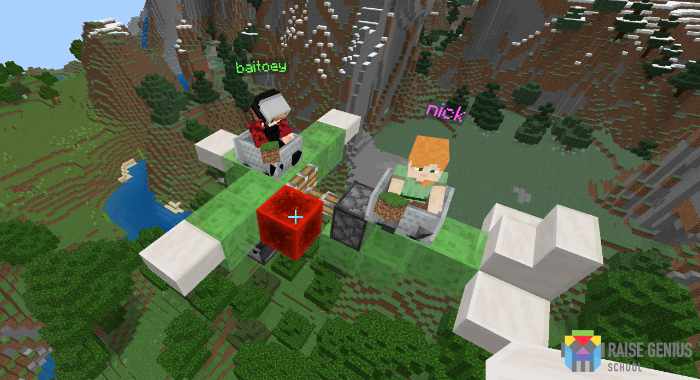 Work together to complete challenging missions.
 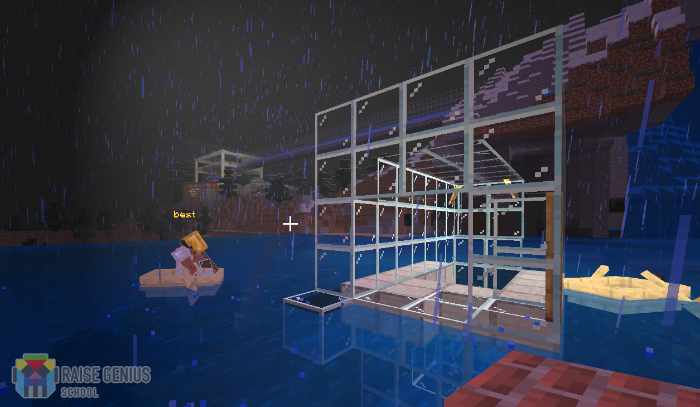 Best’s waterway mission offered a substantial challenge. It was encouraging to see him keep experimenting and recognise how coding could help him complete the task.
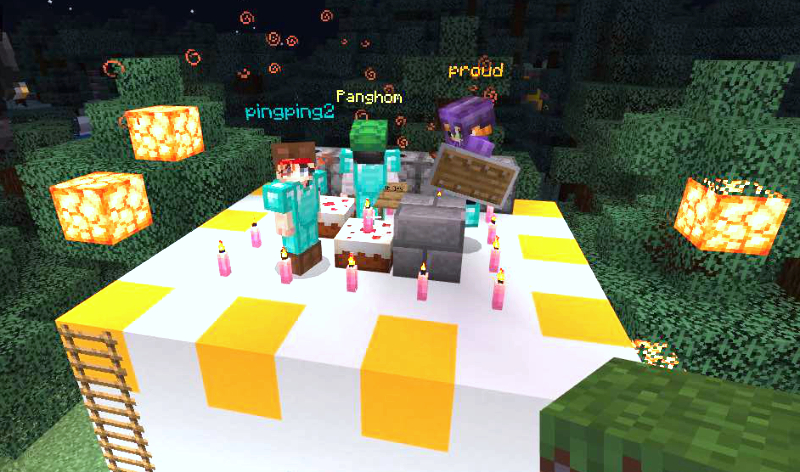
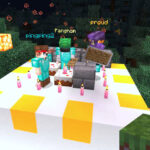
Classmates came together to celebrate Paenghom’s birthday in Minecraft.
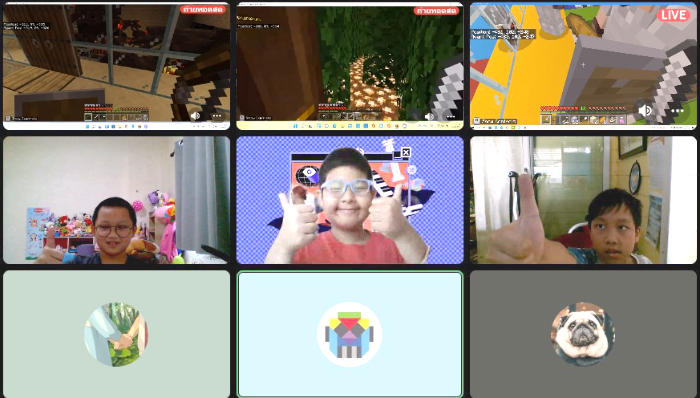 For a Children’s Day mission, Kan, Panpan and Atom tackled Dark Sphinx and Saving Iron Golem, practising coding and teamwork through a special challenge.
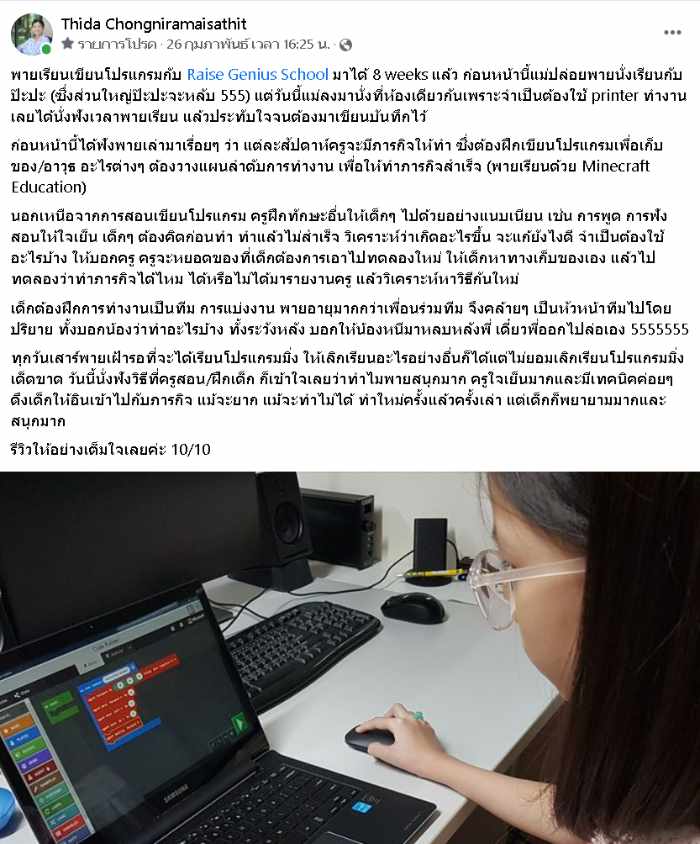
Thank you to Pai’s mother for encouraging feedback to our teaching team. Pai is a thoughtful and committed learner, and we appreciate the family’s support as we continue developing our teaching.
How does this course support coding learning?
- Children can see why programming is useful: an Agent in Minecraft Education can help complete tasks as soon as they write suitable instructions. This gives coding a clear purpose within the project.
- The Agent’s movement makes the results of a program visible. Learners can connect the instructions they wrote with what happens in the Minecraft world.
- Challenges are supported by teachers and classmates, helping learners ask questions and work through difficulties without unnecessary pressure.
- Missions leave time to practise writing code. Rather than rushing through many new concepts, learners apply and strengthen ideas they have already encountered.
- Older learners, or those who have developed sufficient block coding experience, can progress to Python. Teachers connect familiar block coding concepts with text-based programming and choose an appropriate format for each learner.
Frequently asked questions
1. Is Minecraft Education a game or a learning tool?
2. What are the benefits of mission-based learning?
3. What equipment do we need?
4. How does learning to code in Minecraft Education work?
5. Can my child join without previous coding experience?
6. Will my child stay engaged in online coding lessons?
Students share their screens and use cameras during guided lessons so teachers can observe their code and problem-solving and offer timely help. This small-group format supports more individual interaction than a large lecture-style online class.
7. How do teachers help if my child is stuck?
8. What are the practical advantages of learning online?
9. How can learning coding help children?
10. Who is Raise Genius School?
11. How can parents encourage learners?
12. What does live teaching add to learning from a manual?
13. Are there opportunities to present projects?
14. How can families support healthy screen habits?
American Academy of Pediatrics · American Academy of Ophthalmology
15. Why learn coding for future study and work?
16. How should families assess online learning suitability?
Explore Raise Genius students’ projects at FanpageRaiseGeniusSchool