Primary Computing Lessons: From Mechanisms to Code
RAISE GENIUS · PARENTS & SCHOOLS
Primary Computing Lessons: From Mechanisms to Code
Primary computing lessons need not begin with a screen. The source moves from simple STEM mechanisms in lower primary towards blocks, sensors and robot projects as pupils become ready. Equipment should serve a teaching purpose that the school’s staff can sustain.
Contact the teamOn this page
Media and three planning criteria for primary computing lessons
The source heading refers to four approaches, but its visible comparison develops two: simple hands-on STEM construction and screen-based blocks with simple robotics. This English version describes the supported approaches rather than inventing two missing table rows.
Construction can start without a computer room and can help pupils work with their hands. It needs progression so older learners do more than repeat an introductory activity.
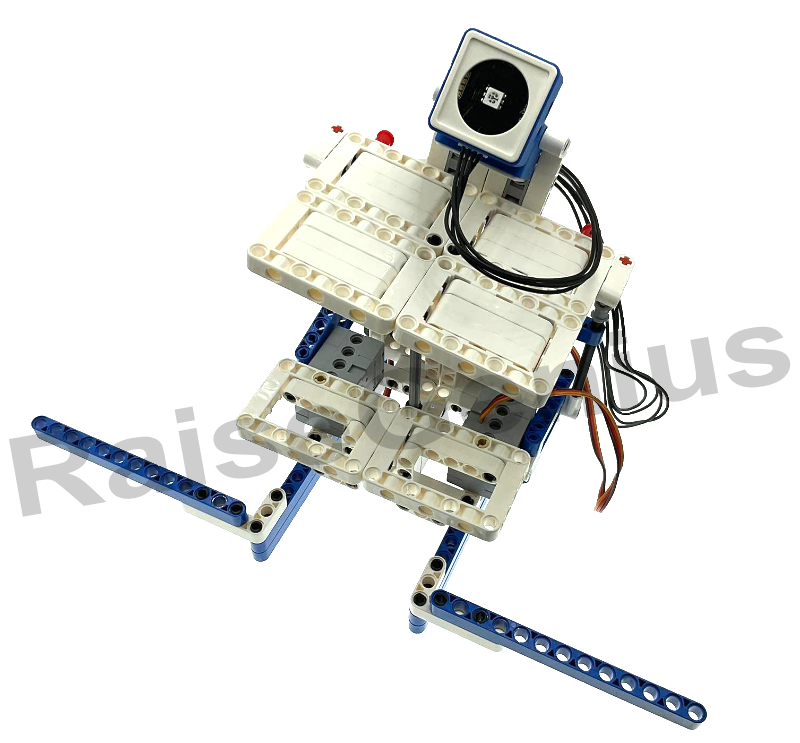
Blocks and simple robots can connect a program with a moving model. The source suggests a computer for roughly two-three pupils and an example of ten-twenty computers for a class of thirty-five-forty, depending on the planned grouping.
The three decision criteria are access to equipment, teachers’ readiness and how many years the resources can support. Ask about progression, spare parts and reuse into clubs or lower-secondary projects.
Four stages for primary computing lessons
Years 1-2, around ages 6-8: simple physical materials, hand movements and approachable projects.
Year 3, around ages 8-9: plan commands on paper before moving to blocks. This helps a child explain a sequence rather than drag blocks at random until something moves.
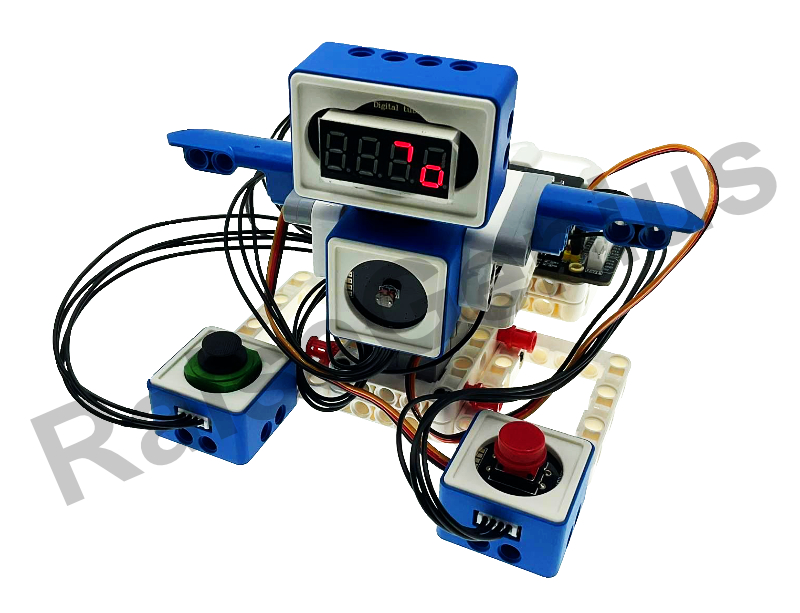
Years 4-5, around ages 9-11: use conditions, repeated actions and a robot or controller to make the result visible. Match the challenge to prior understanding.
Year 6: investigate a practical school problem, such as a noise-level warning or a line-following delivery model. Treat these as project examples, not a guaranteed common outcome. Lower secondary can extend towards text programming where readiness and equipment allow.
Teacher preparation and reusable resources
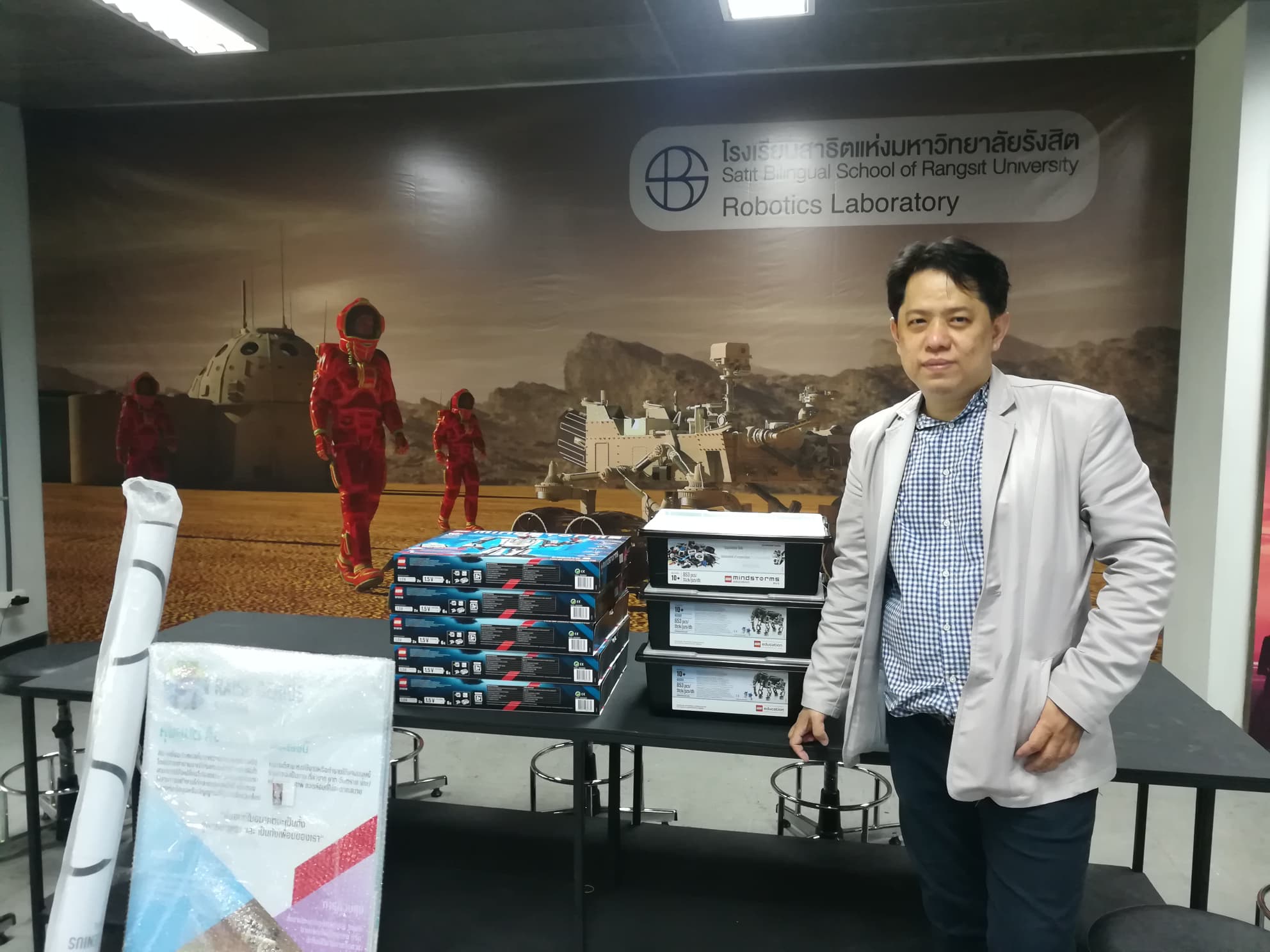
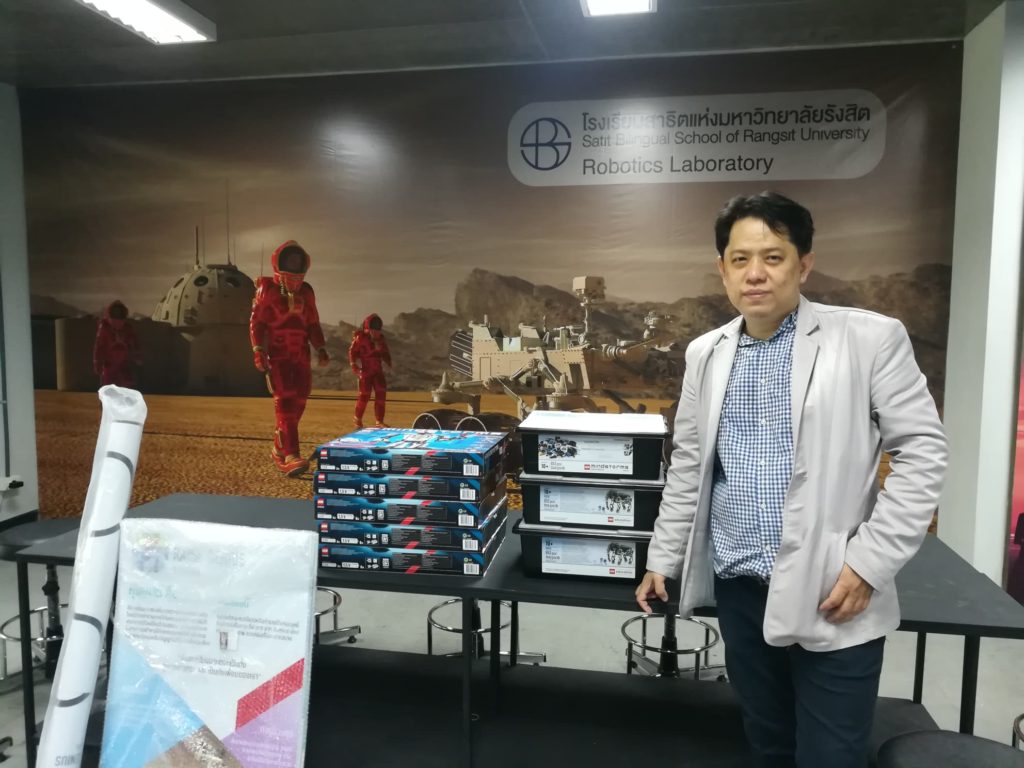
The school’s source describes beginner-friendly support, appropriately grouped equipment and training with no more than six participants. The main text mentions two-three full days, while its FAQ gives a two-day example; confirm the exact programme rather than silently merge them.
It identifies robotics master’s-background trainers at KMUTT and experienced teachers, with past participants from Sarawittaya, Ban Chang Witthaya and the Srinakharinwirot demonstration school at Ongkharak. These are source profile examples, not current endorsements.
The curriculum example runs by term, two-three terms a year, and may fit Thai, bilingual or international settings, subjects, clubs or after-school learning. The school’s own teachers remain responsible for assessment against the school’s indicators.
Choose a workable start
A teacher without a computer-specialist degree may begin with approachable blocks and clear teaching resources. Robotics and controllers require familiarity with the actual kit and hands-on preparation.
Begin from teacher readiness, pupil groups and existing resources. The small-school and teacher-training guides add questions about sustainable teaching, not only equipment ownership.
Primary computing lessons can support a longer pathway when children learn to describe a sequence, test it and explain a result. Review what pupils can actually do before moving to a more complex platform.
Original photographs and artwork
These images are retained from the original page as examples of published learning activities and programme information. Some contain Thai text or historical dates. They do not guarantee the same result for a new learner. Confirm current programmes with the team.
View original images
Frequently asked questions
Should blocks or physical controllers come first?
The source generally starts with blocks for sequence, conditions and loops, then connects those ideas with controllers, lights, sound and sensors around upper-primary readiness.
Can a teacher without a computing degree teach the subject?
The source suggests accessible block resources and hands-on training for controllers/robots. Confirm a beginner-suitable programme, actual equipment and support rather than assume a degree alone determines readiness.
When can robots support primary computing?
The source emphasises Years 4-6 after a foundation in commands, conditions and loops, with simpler mechanisms and blocks earlier. Adapt to actual readiness and teaching goals.
Contact and related pages
Tell the team about the learner or organisation, relevant experience and the intended learning purpose. Confirm the current programme, equipment, availability, schedule and fees before booking.
Contact Raise Genius School service overview
- Computer Specs for Children’s Coding Lessons
- How Much Parent Support Does Online Coding Need?
- Choosing Online Coding for Kids by Age & Readiness
- Online Robotics Learning When No Class Is Nearby
- Robotics for Small Schools with Limited Budgets
- Choosing Robotics Teacher Training for Your School
- Planning School STEM Robotics Camps & Budgets
- Starting a School Robotics Classroom: People Before Kits
- Helping a Child Become a Programmer: Build Foundations
Course-selection guide · Robotics portfolio projects · Competition preparation · Team advice and coaching · Course guide · General FAQ
Related services: School robotics camps · STEM activity stations
Related reference: IPST computing-education resources (Thai)